
TheLuckyDate Sign Up & Login Process and Account Management Guide
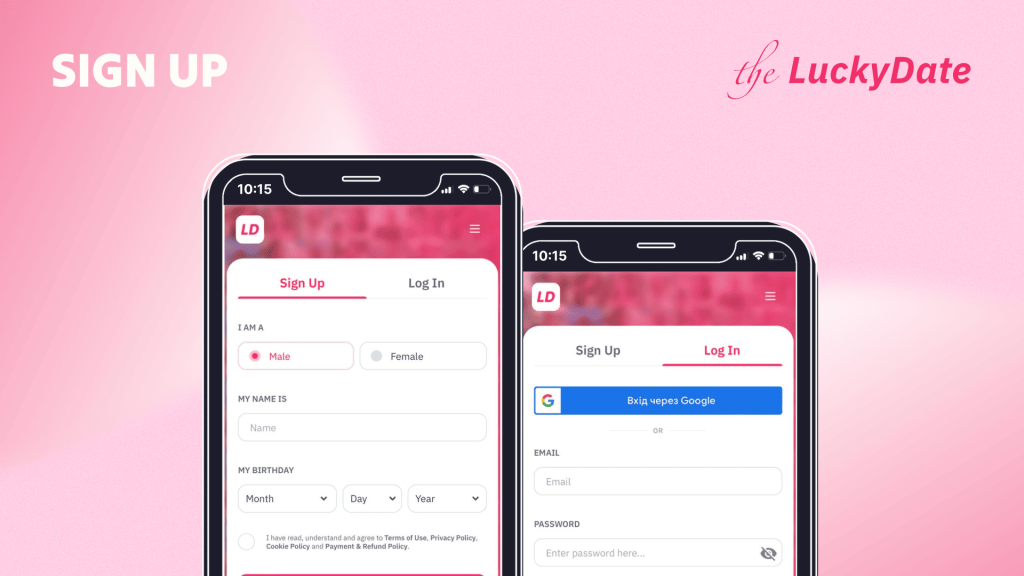
TheLuckyDate is a popular online dating website that offers people the chance to explore various cultures and rediscover inspiring connections. Additionally, TheLuckyDate offers multiple communication and interaction tools to enhance your conversations. Meanwhile, before you start using this online dating platform, you need to register.
TheLuckyDate sign up process is smooth and straightforward. To register, you will need to provide basic information, such as your name, country, city, etc. During registration, you also have the option to answer a quiz that helps you outline your preferences and what you’re looking for. These details can also be updated later in your profile.
According to our recently updated TheLuckyDate review and comments on top review websites, this online dating platform is worth registering for. In this guide, you learn about the TheLuckyDate login and sign-up process.
How to Register on The Lucky Date: Complete Guide in Steps
The LuckyDate offers free registration for new users. To become a member of their community, follow these steps below:
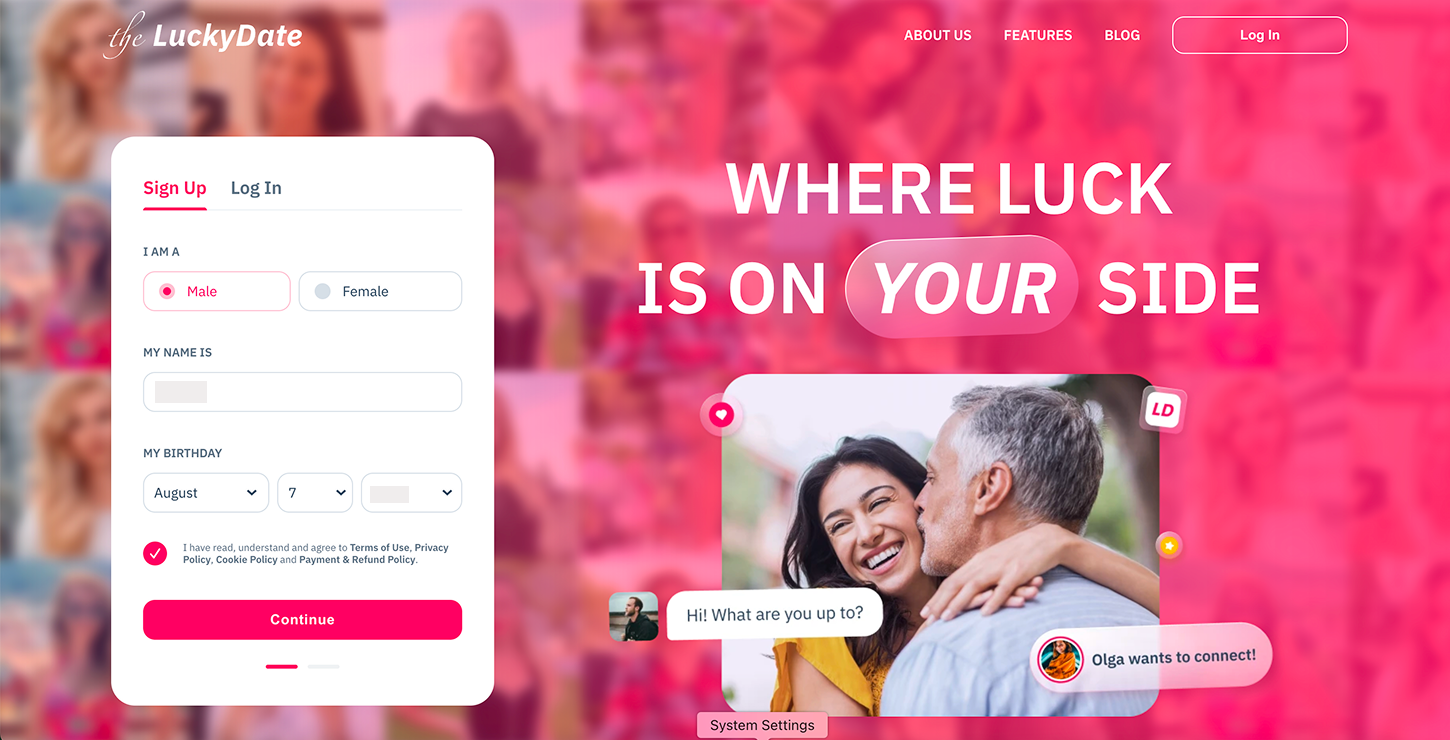
Visit TheLuckyDate website https://theluckydate.com/. Fill out the form and tap “Continue.”
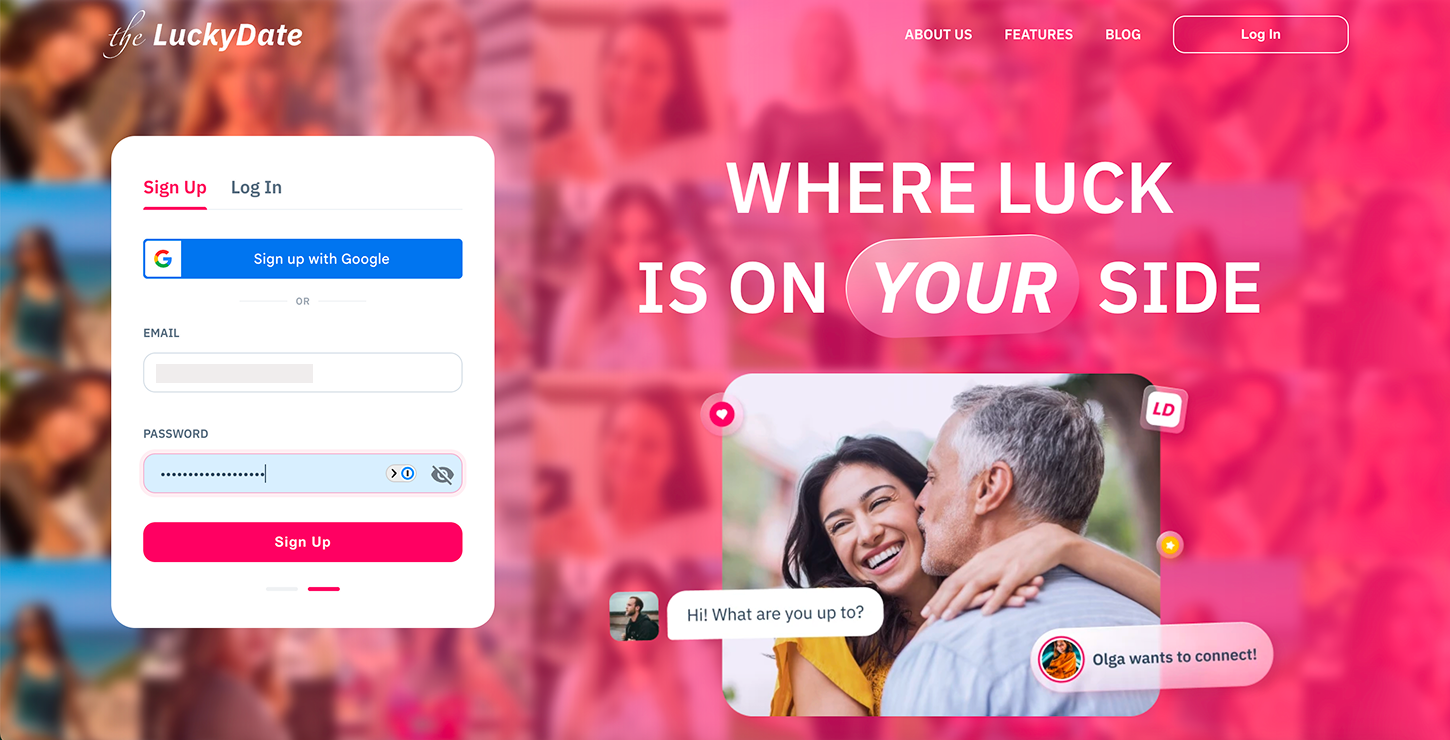
Insert your email address and create a password that you can easily remember. You can also opt to sign up through your Google account. Tap “Sign Up” to proceed.
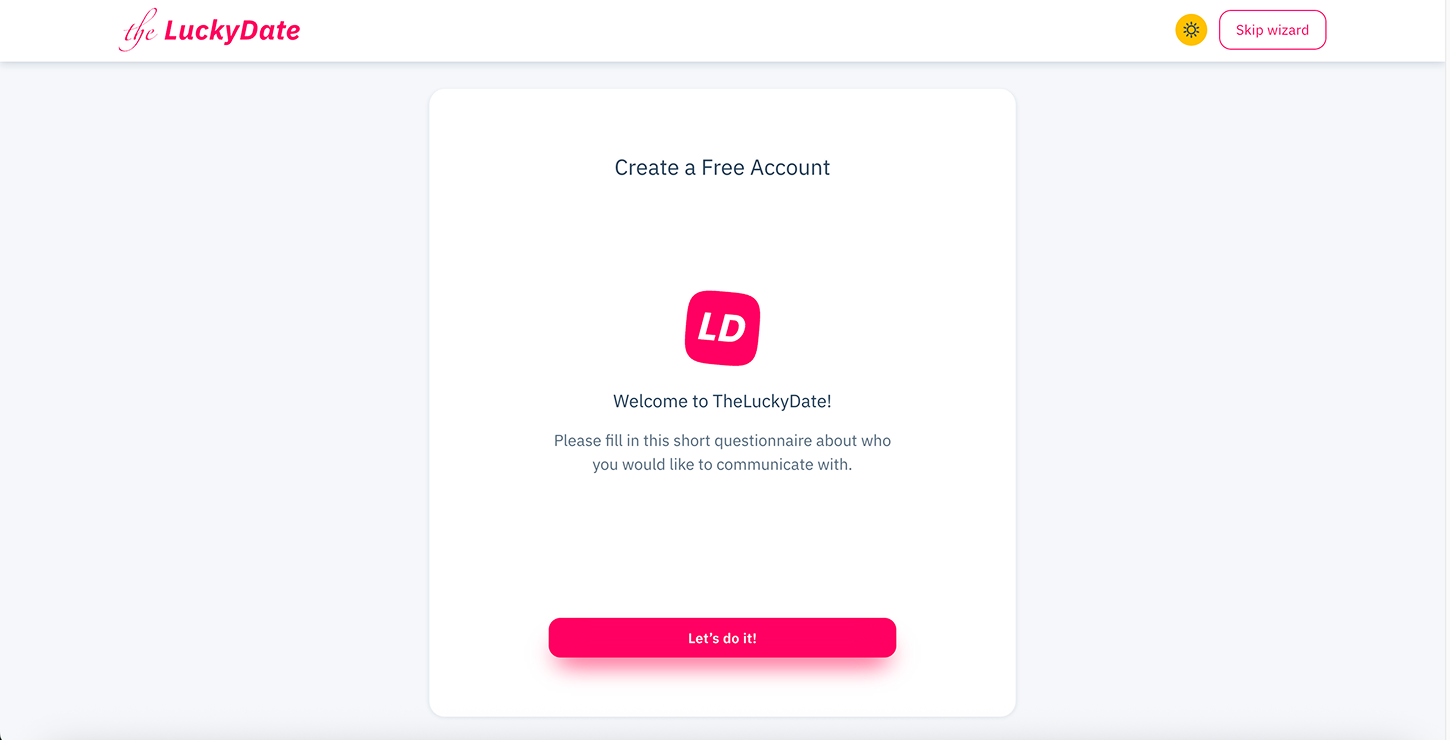
Click “Let’s do it” to continue with a quiz. You can then choose to answer a short questionnaire that helps you share your preferences and describe what you’re looking for, or skip it.
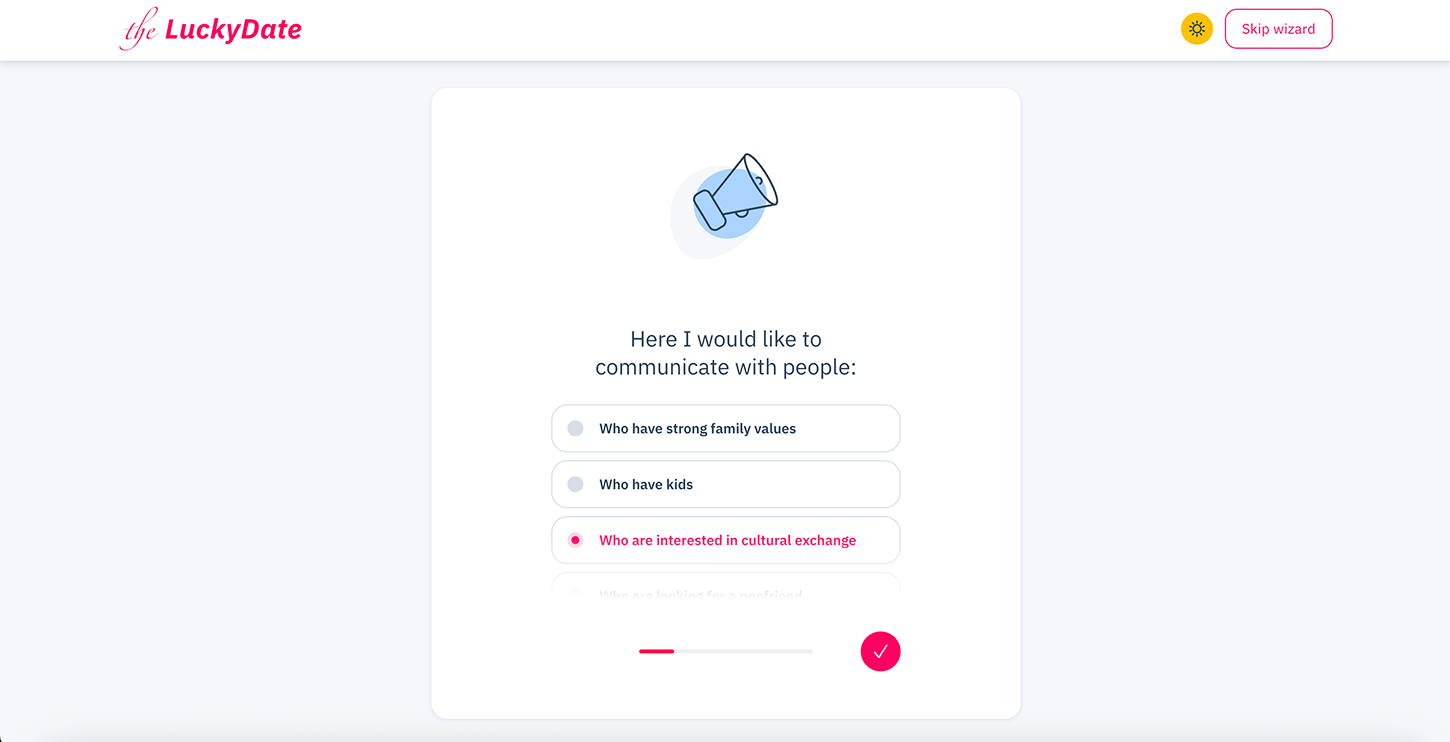
Answer the first question about the kind of people you would like to communicate with.
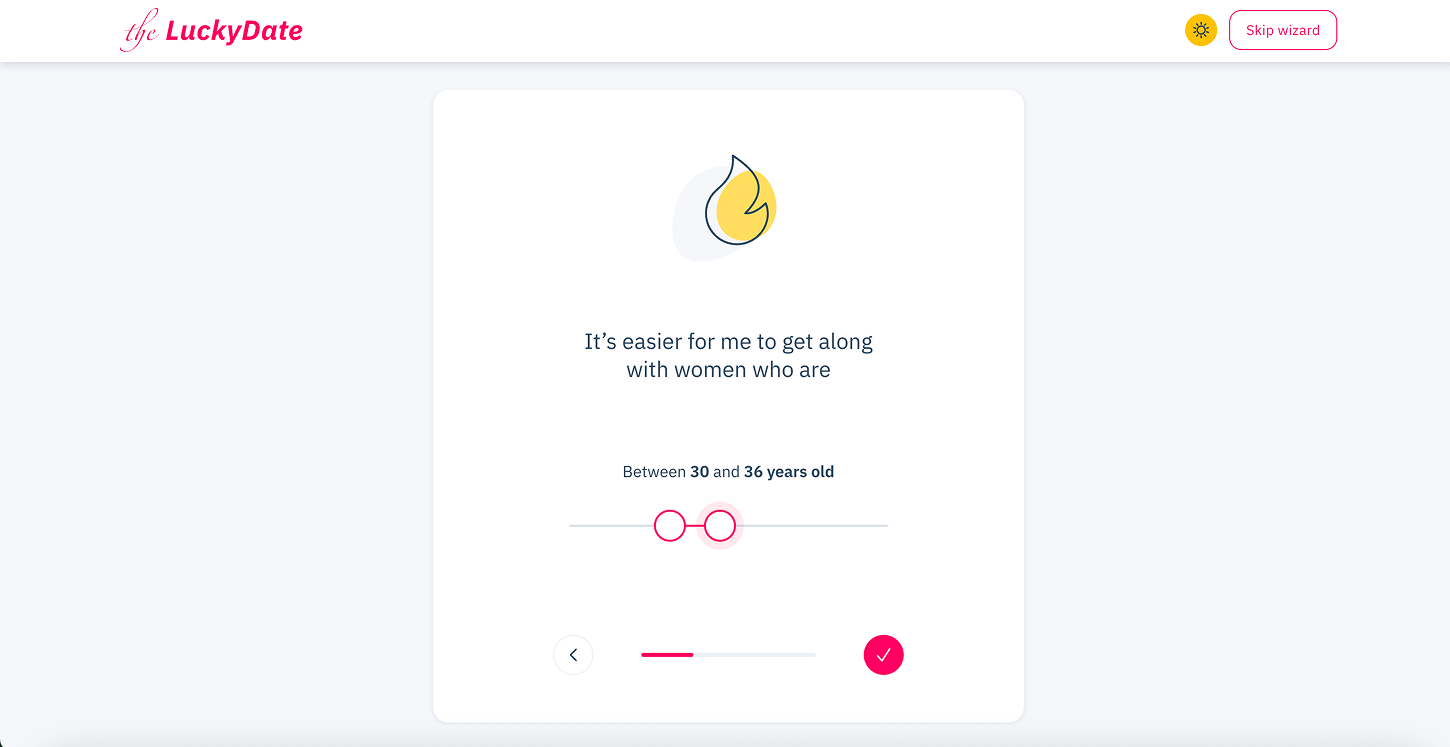
Choose the age range you would like to get along with.
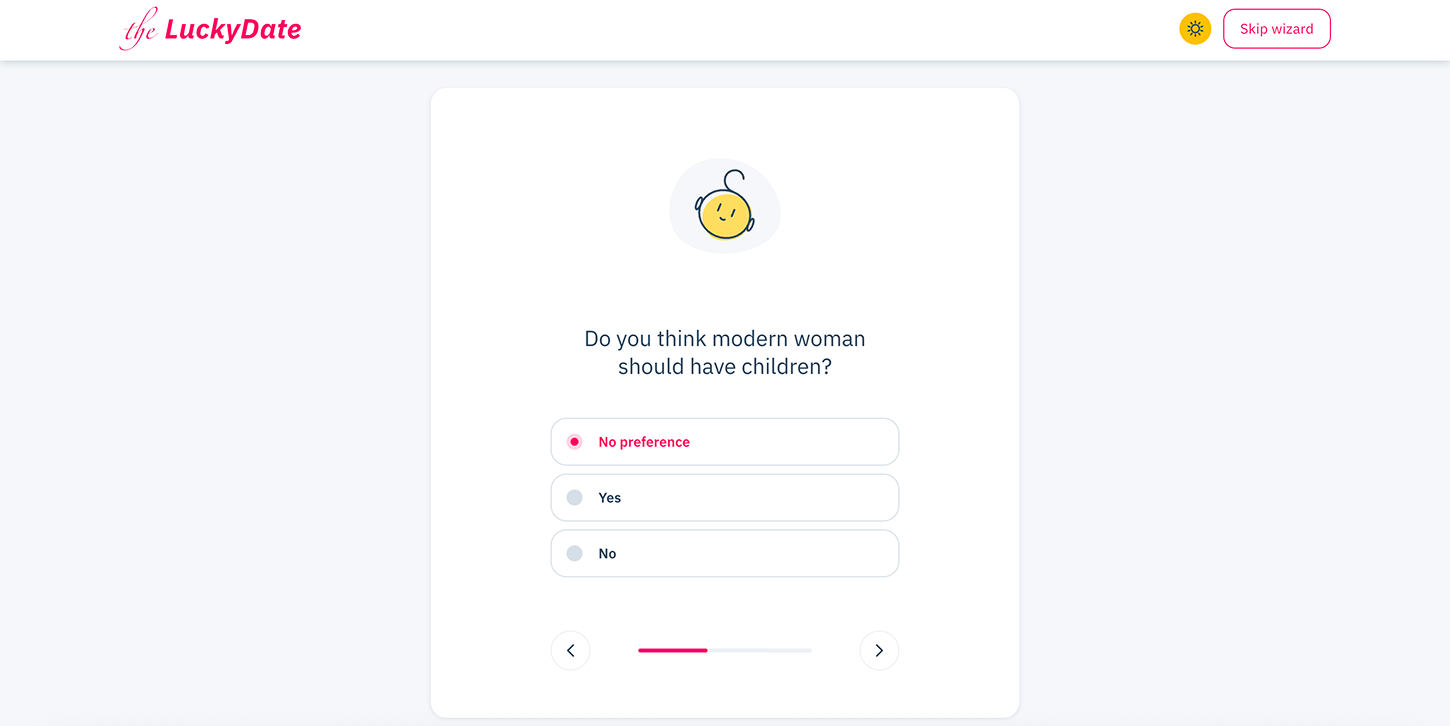
The next question is “Do you think modern women should have children?”
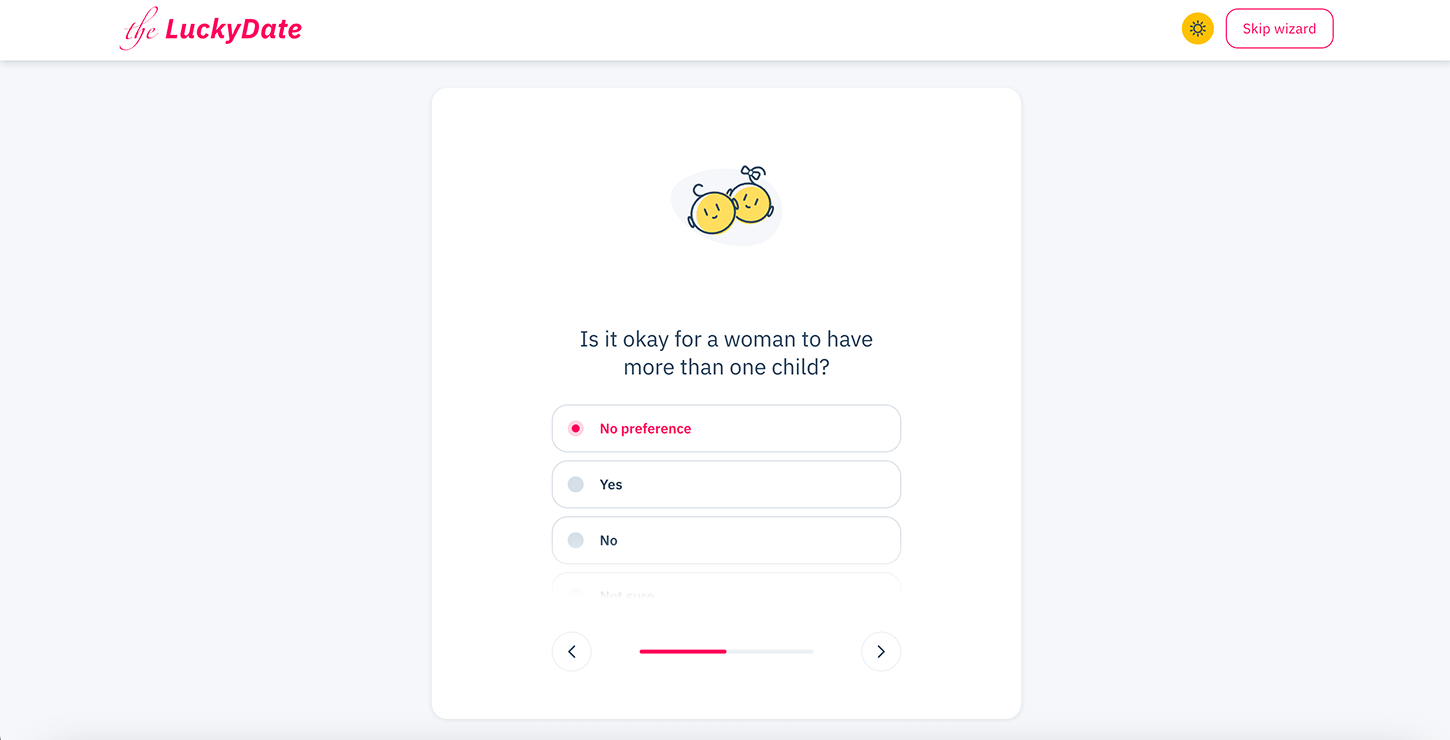
The next question is, “Is it okay for a woman to have more than one child?”
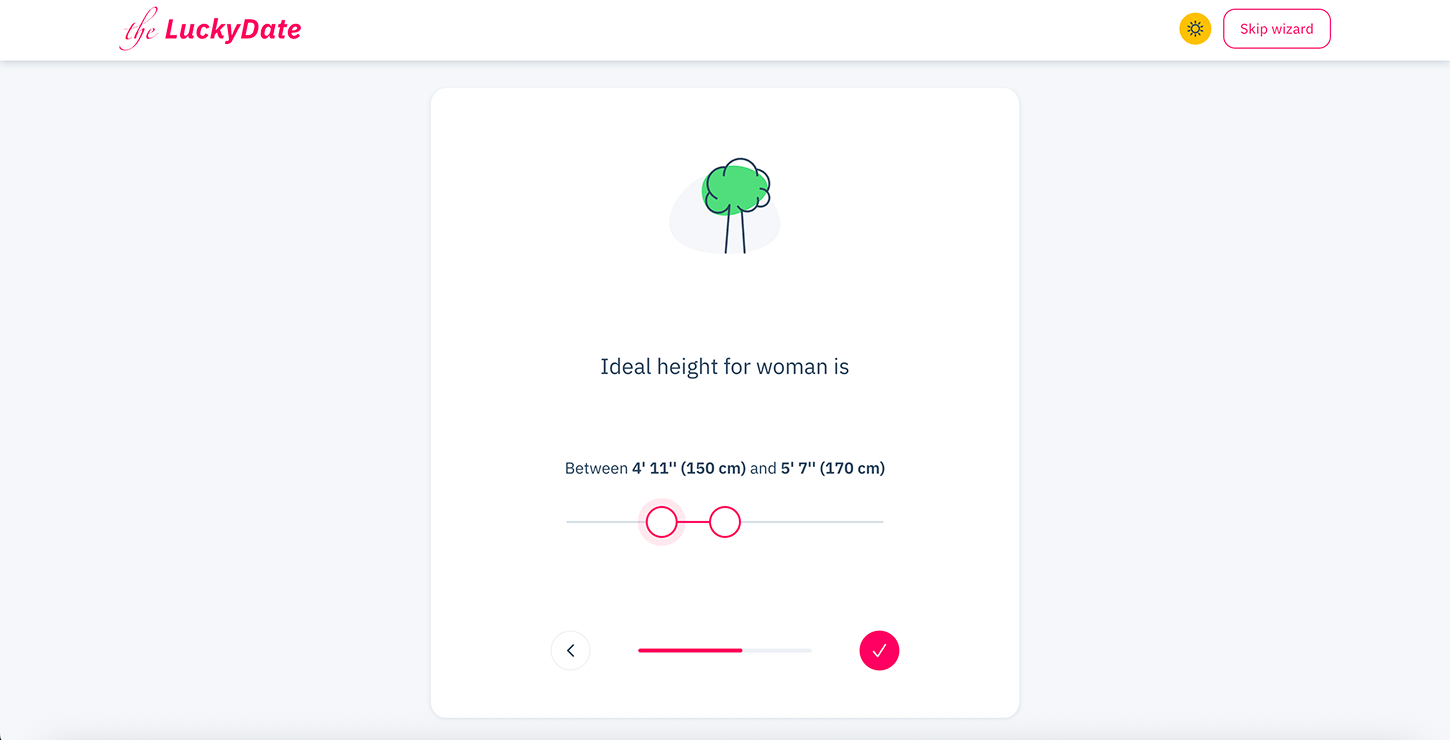
Select the ideal height of the person you are looking for.
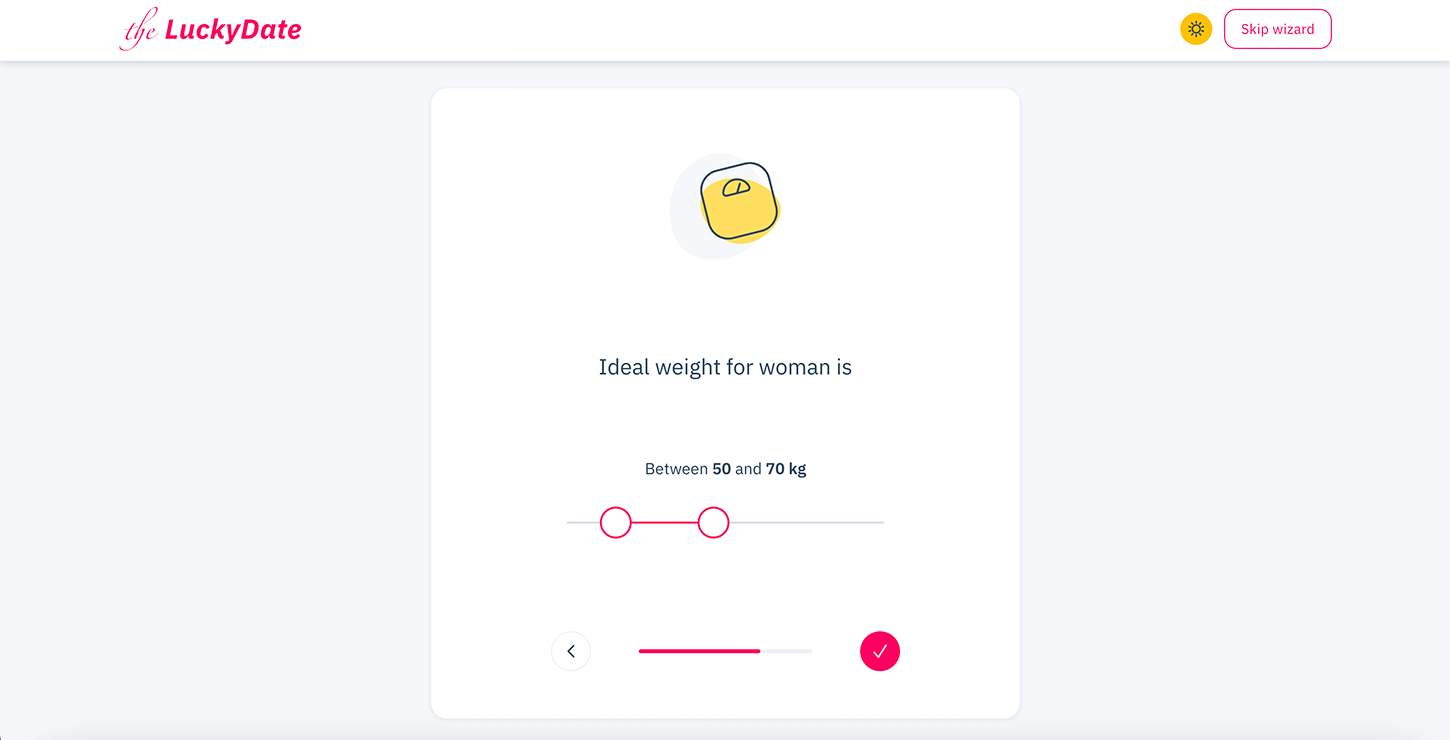
Choose the ideal weight of the person you are looking for.

Choose the ideal body type of the person you are looking for.
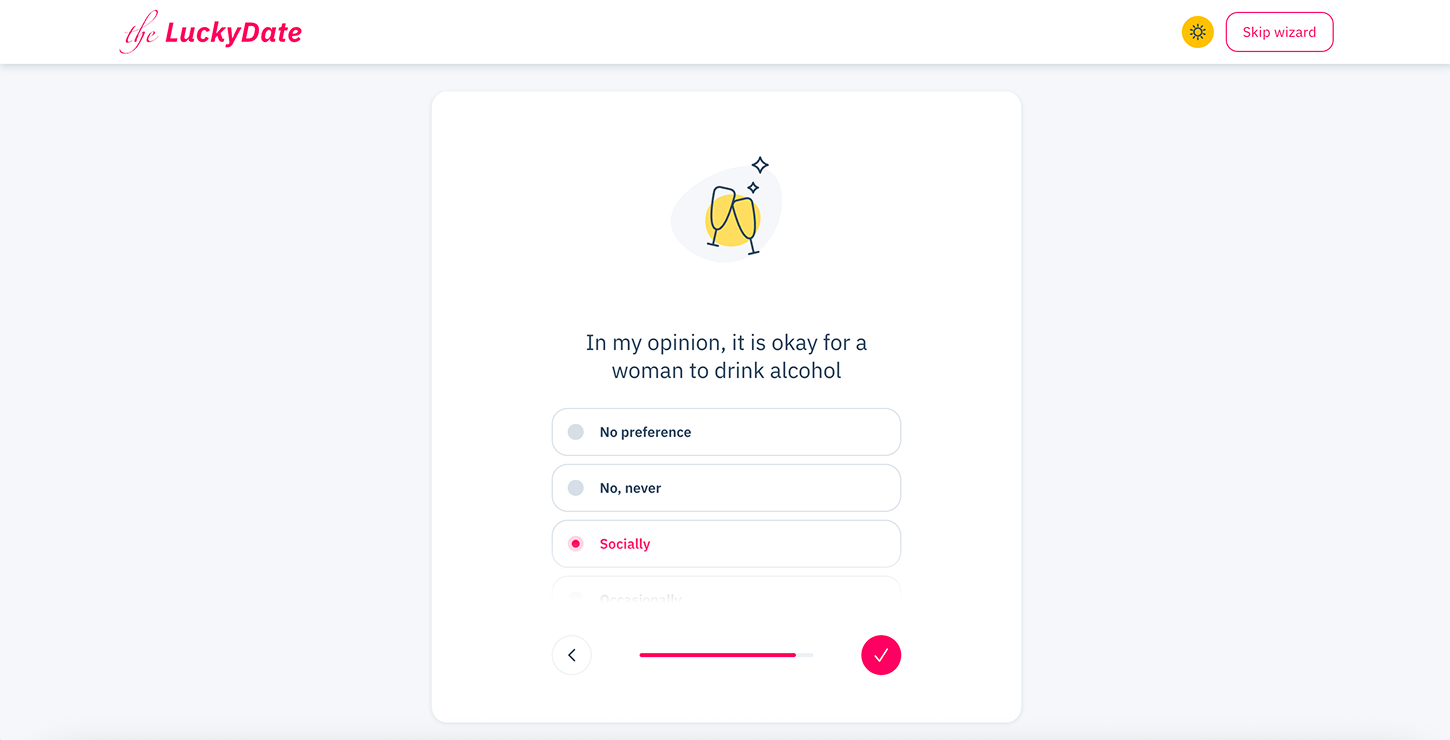
Do you think it’s okay for a woman to drink alcohol?
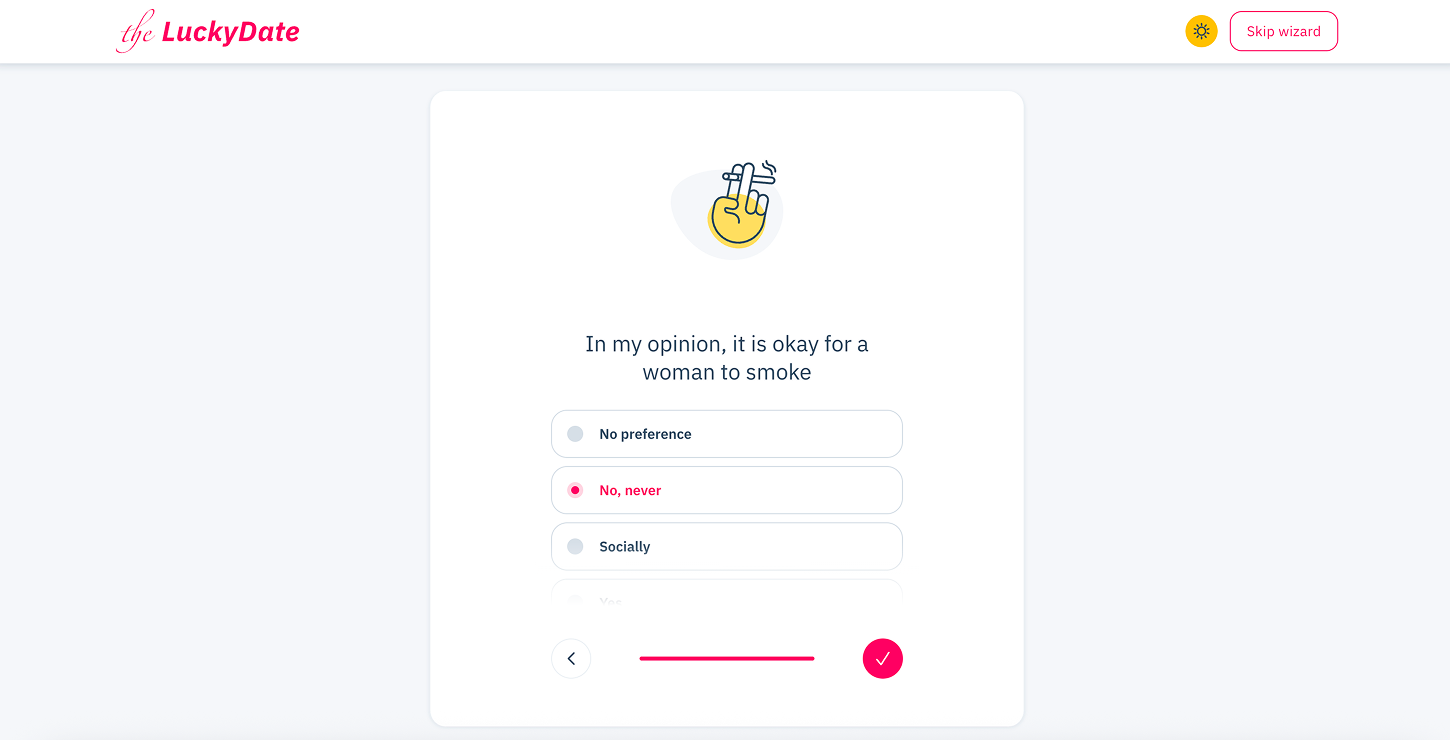
“Is it okay for a woman to smoke?”
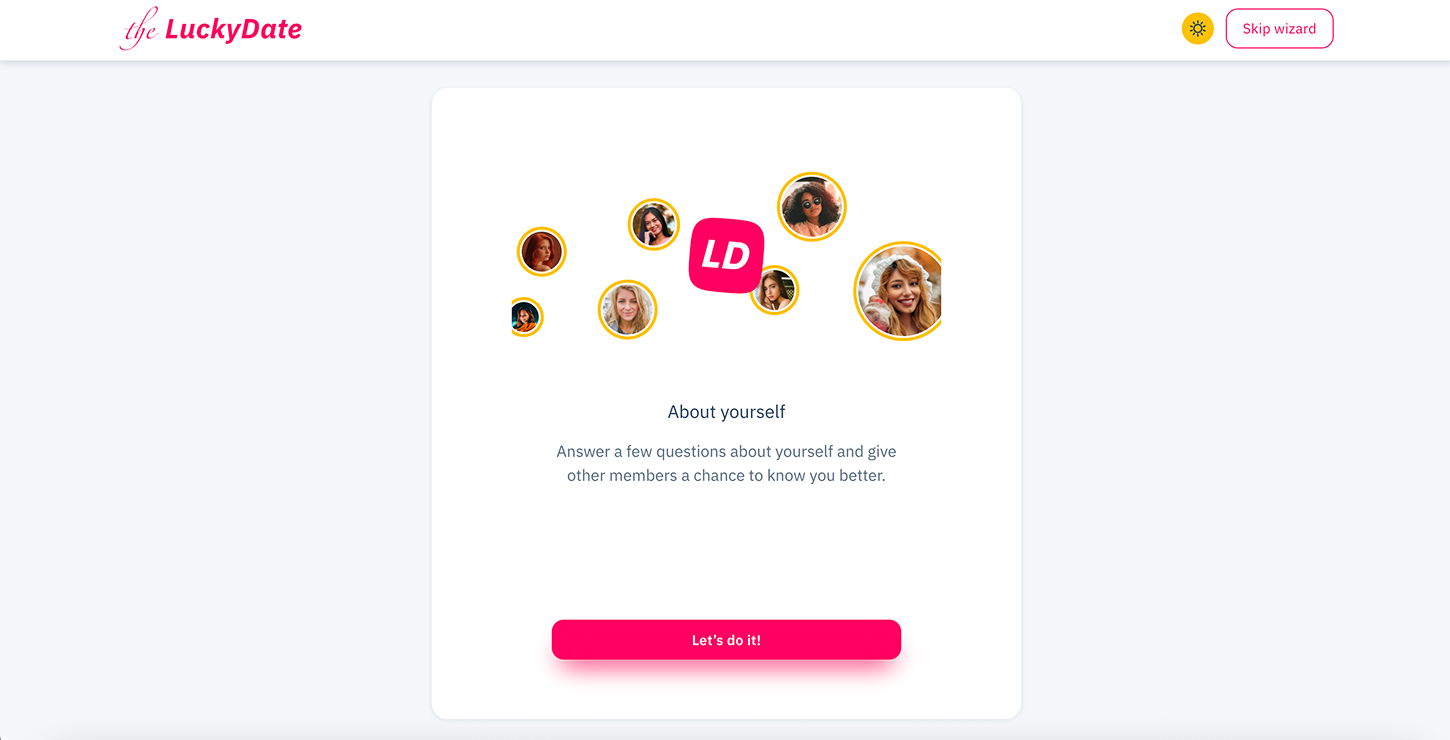
Now it’s time to answer questions about yourself.
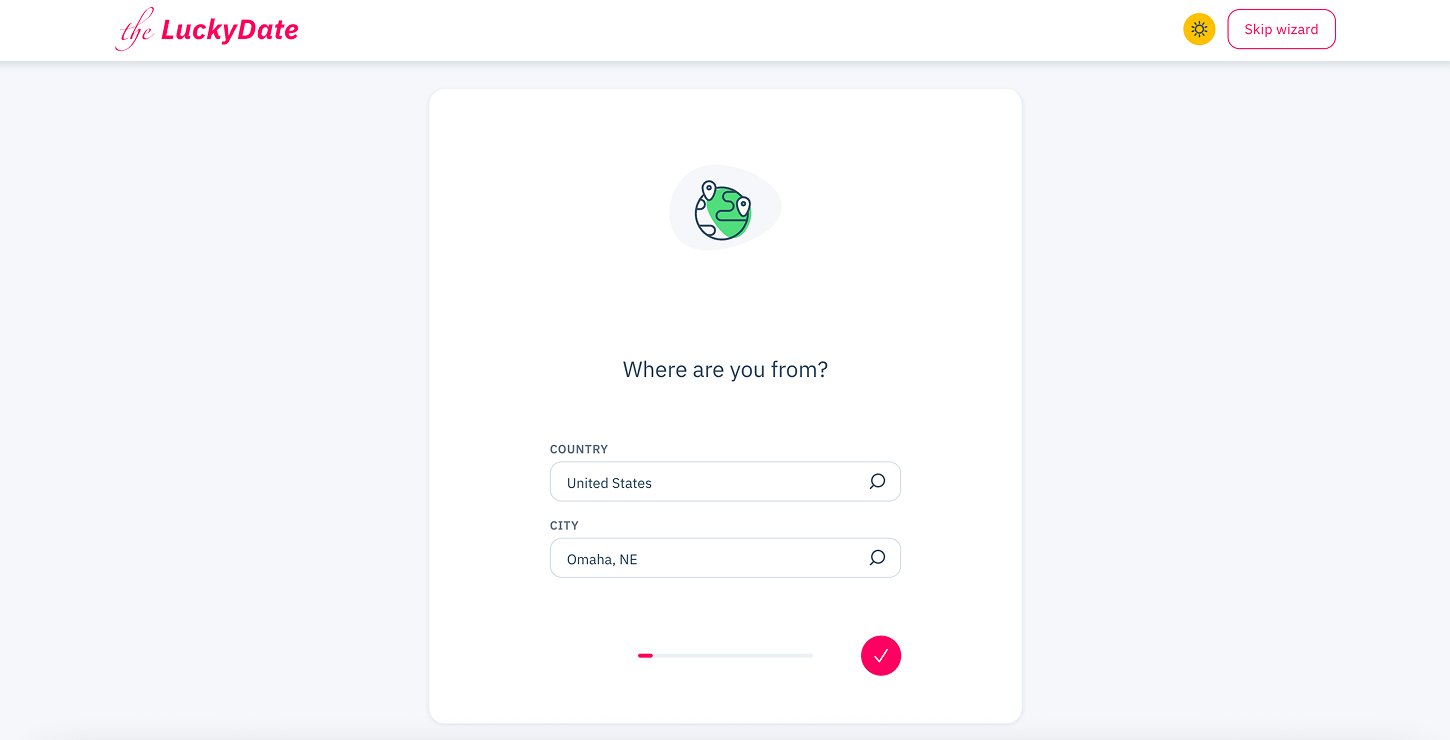
State where you are from.
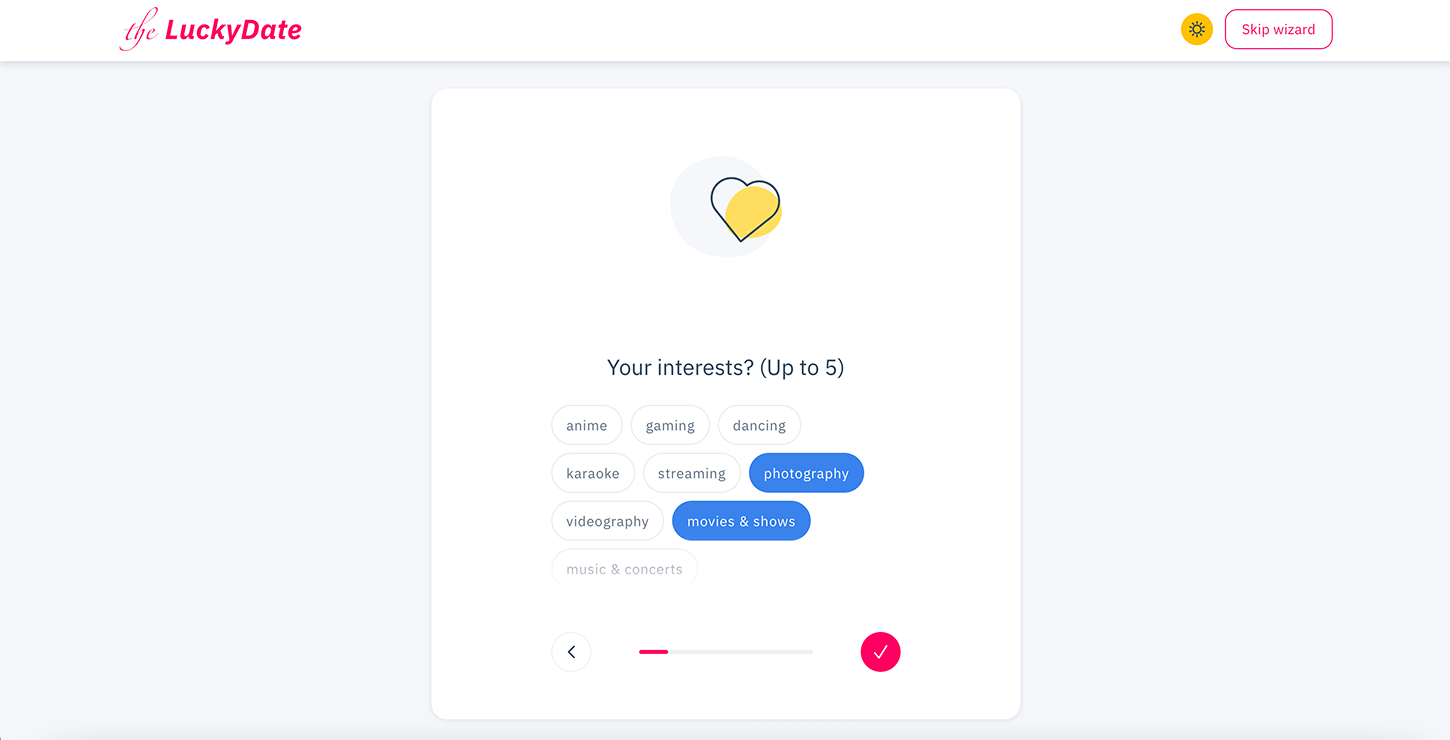
Choose about 5 things you are interested in.
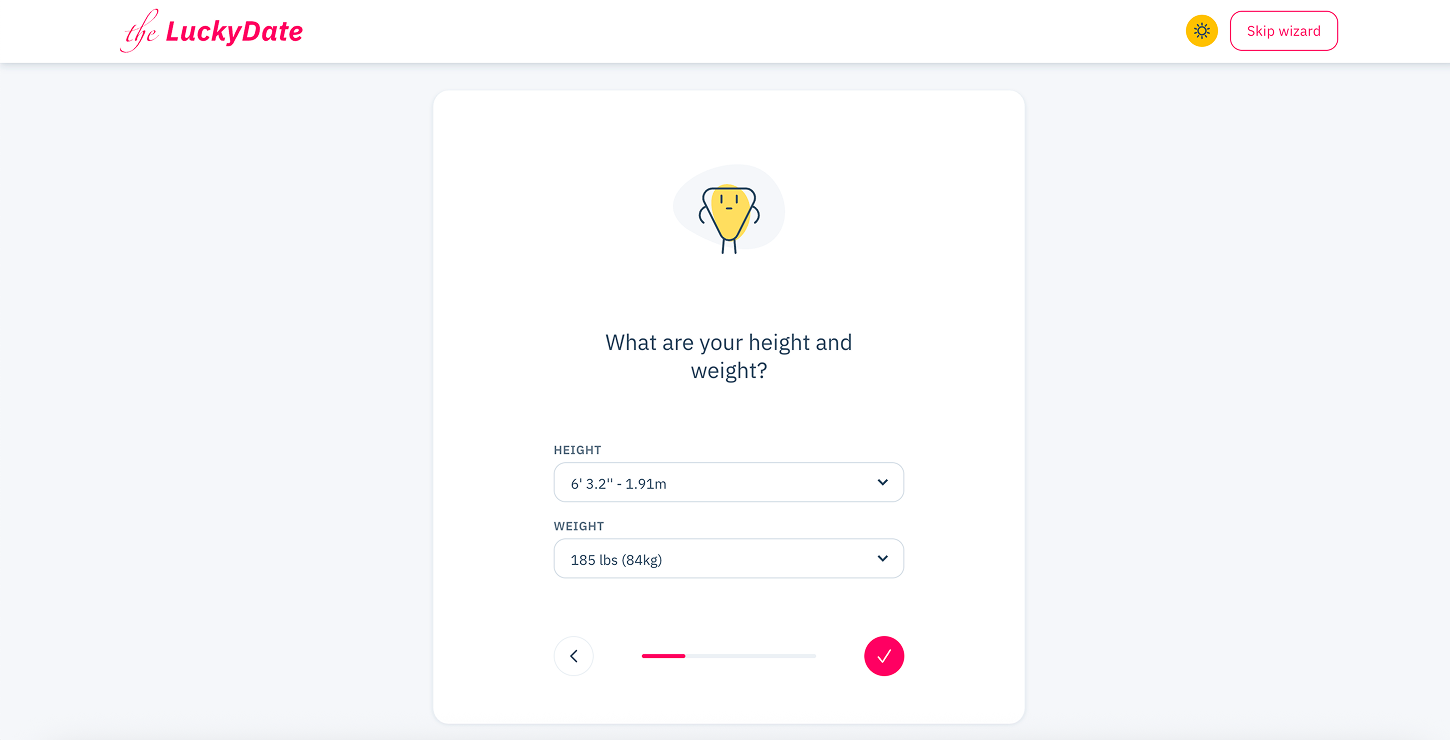
State your height and weight.
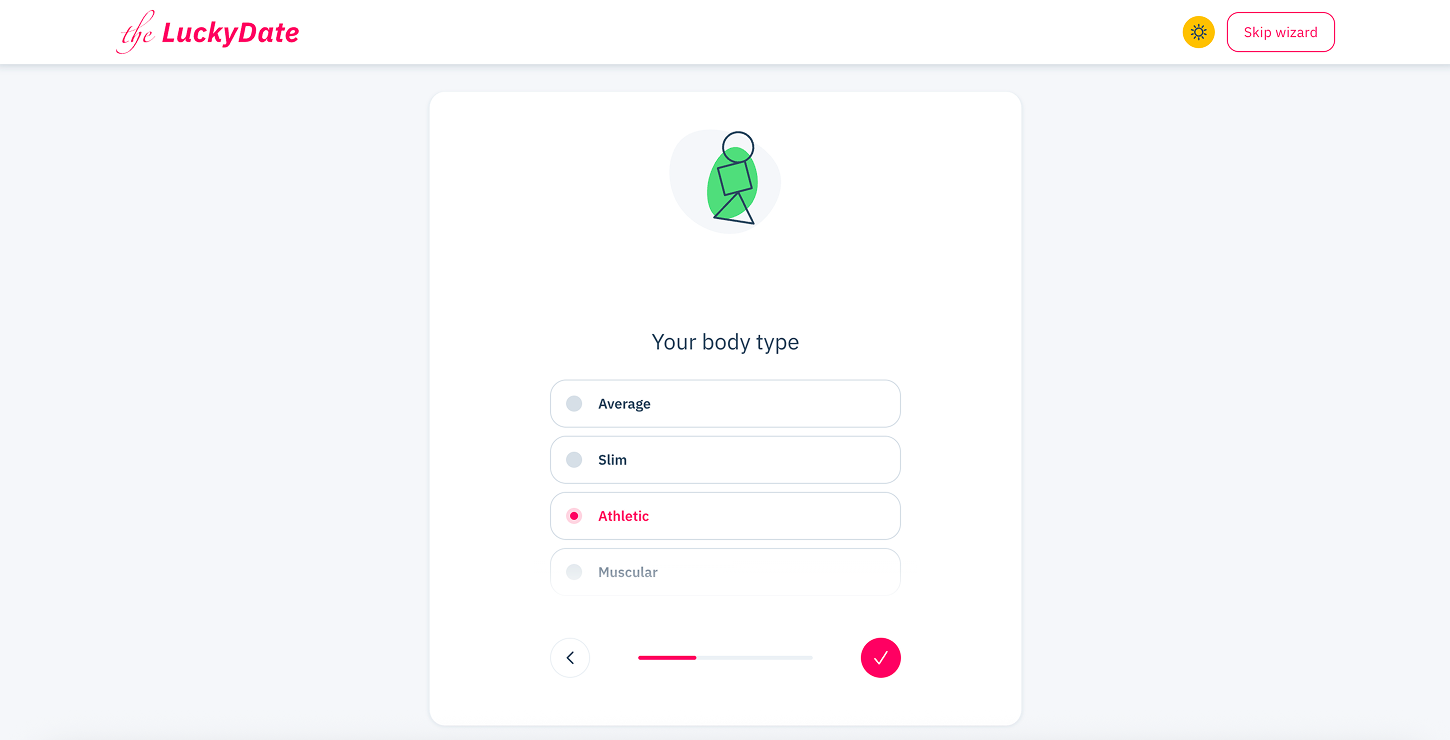
Mention what your body type is?
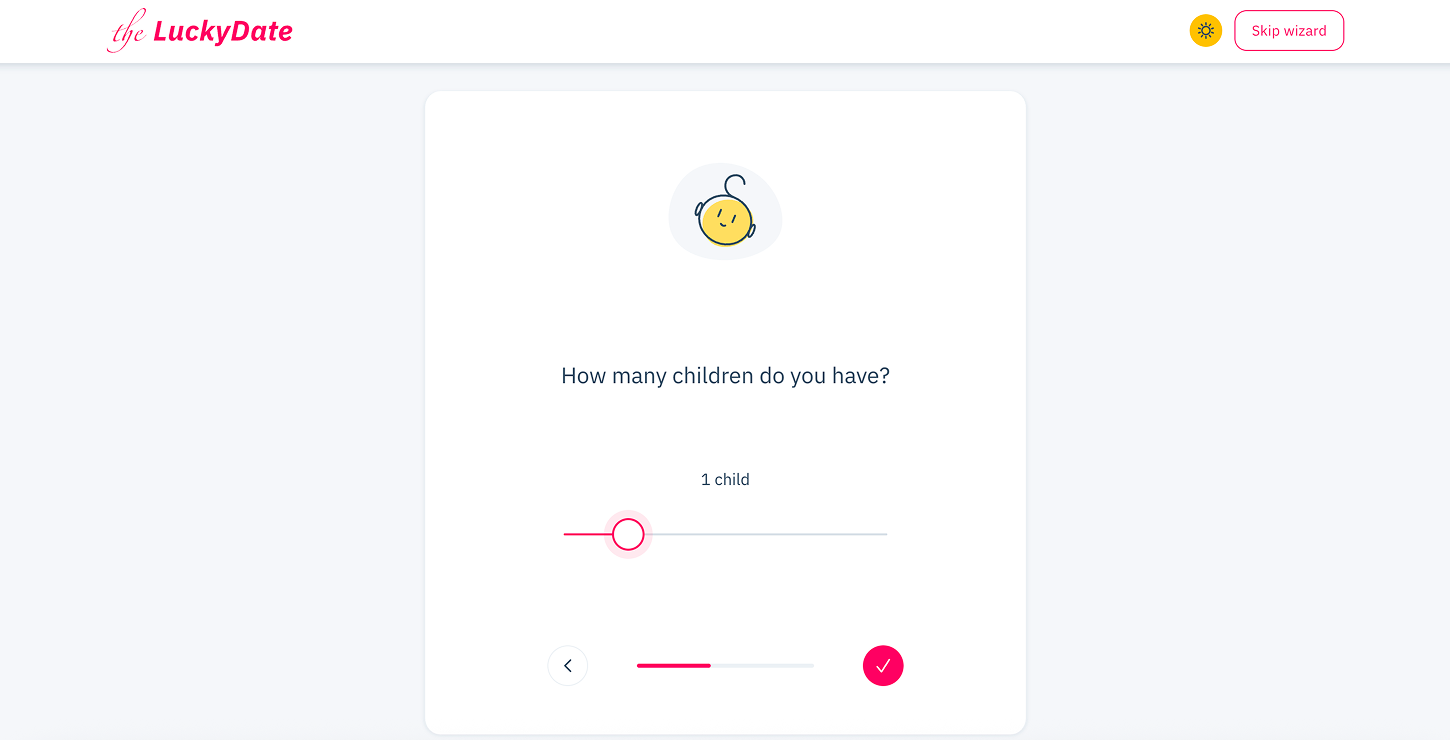
State the number of children you have.
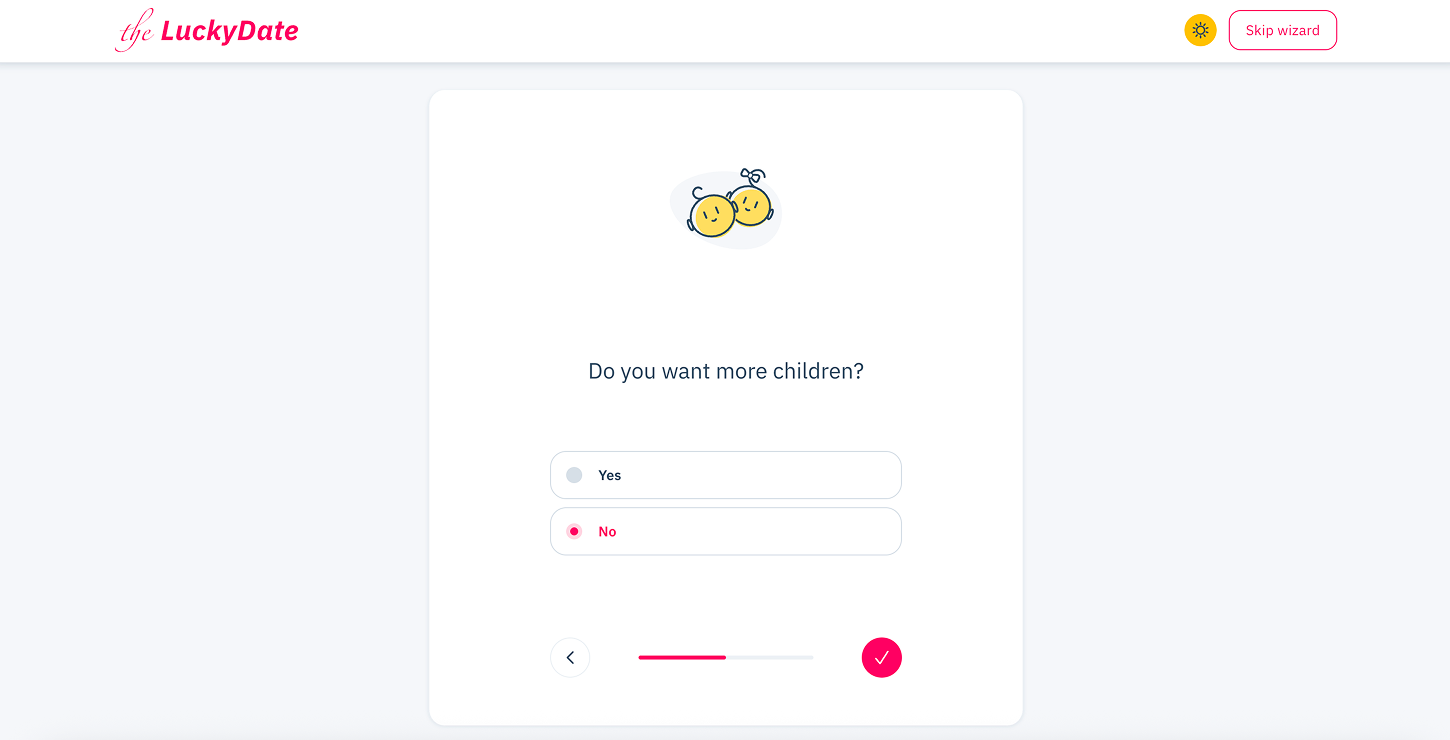
Do you want more children?
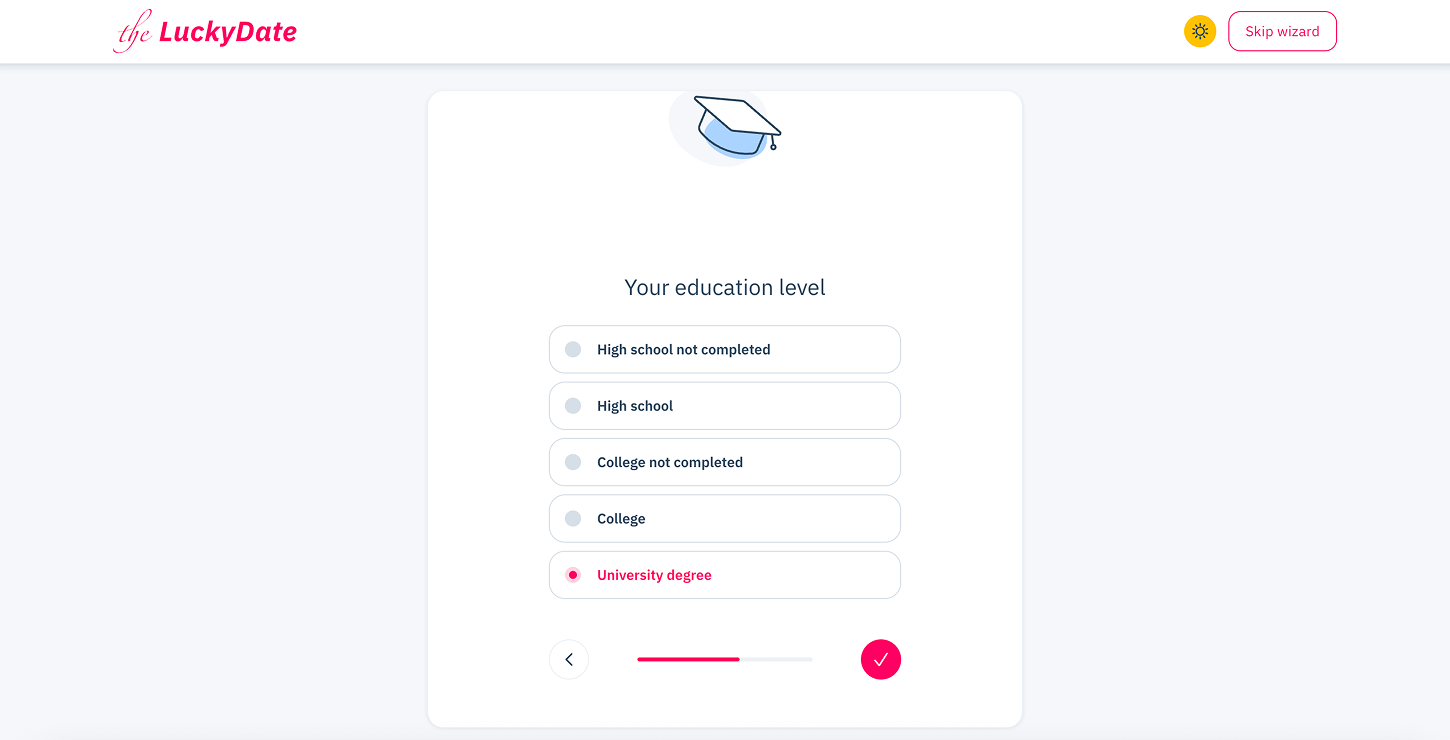
What is your level of education?
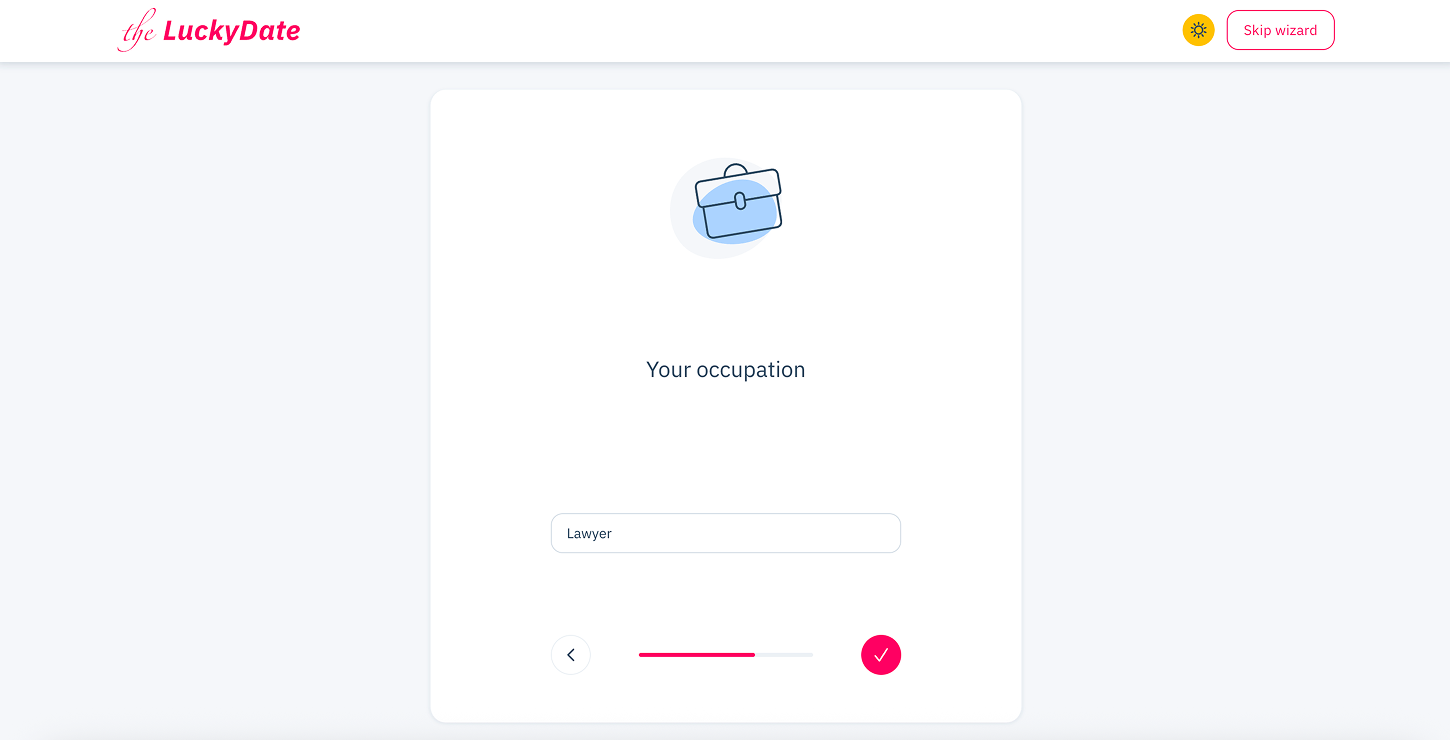
State your occupation.
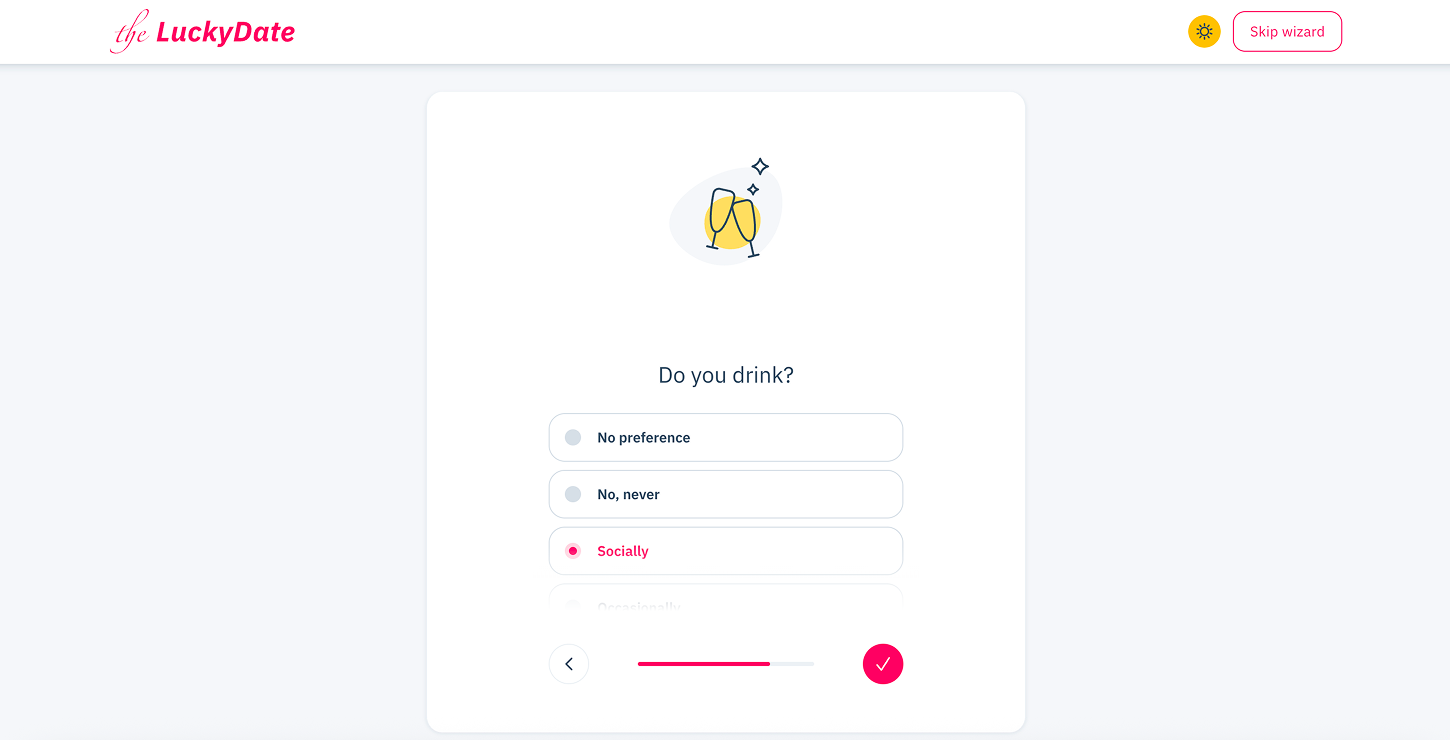
Do you drink?
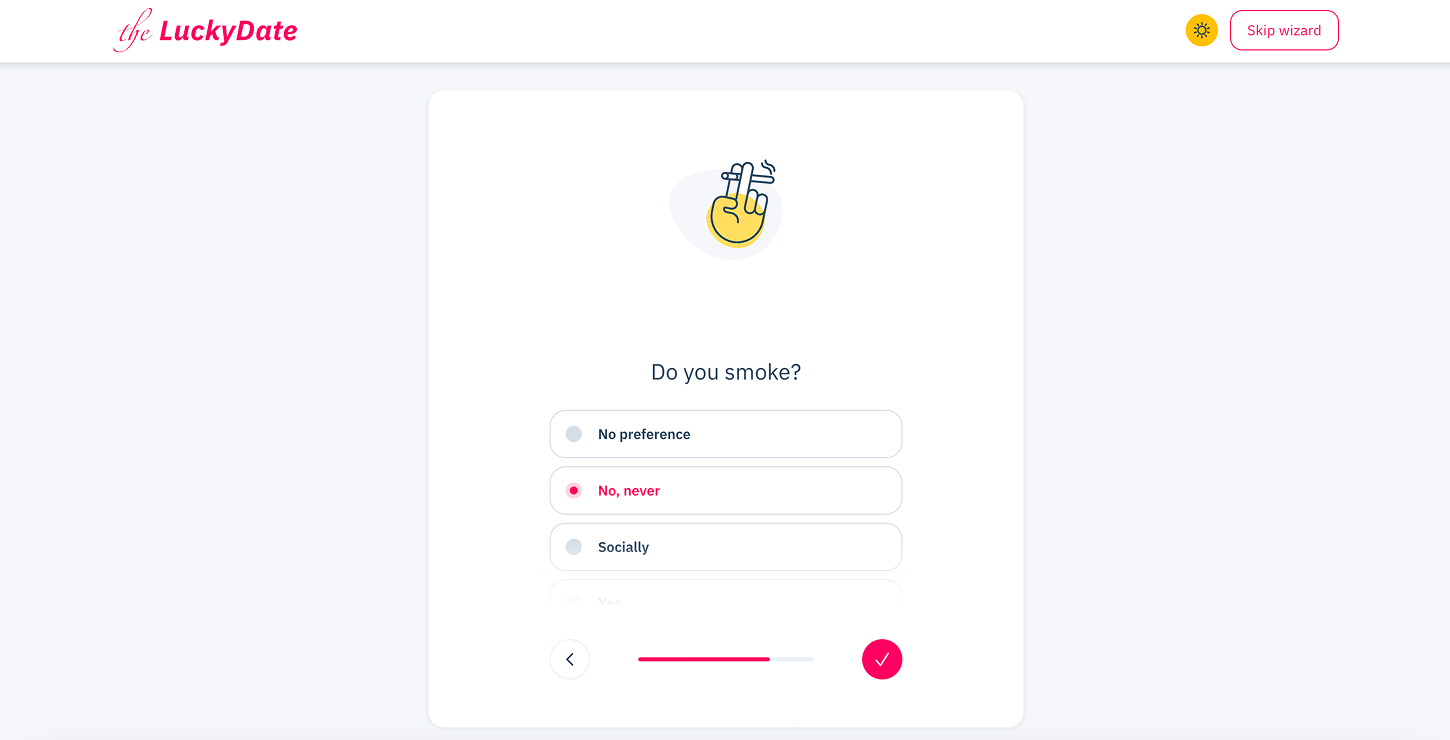
Do you smoke?
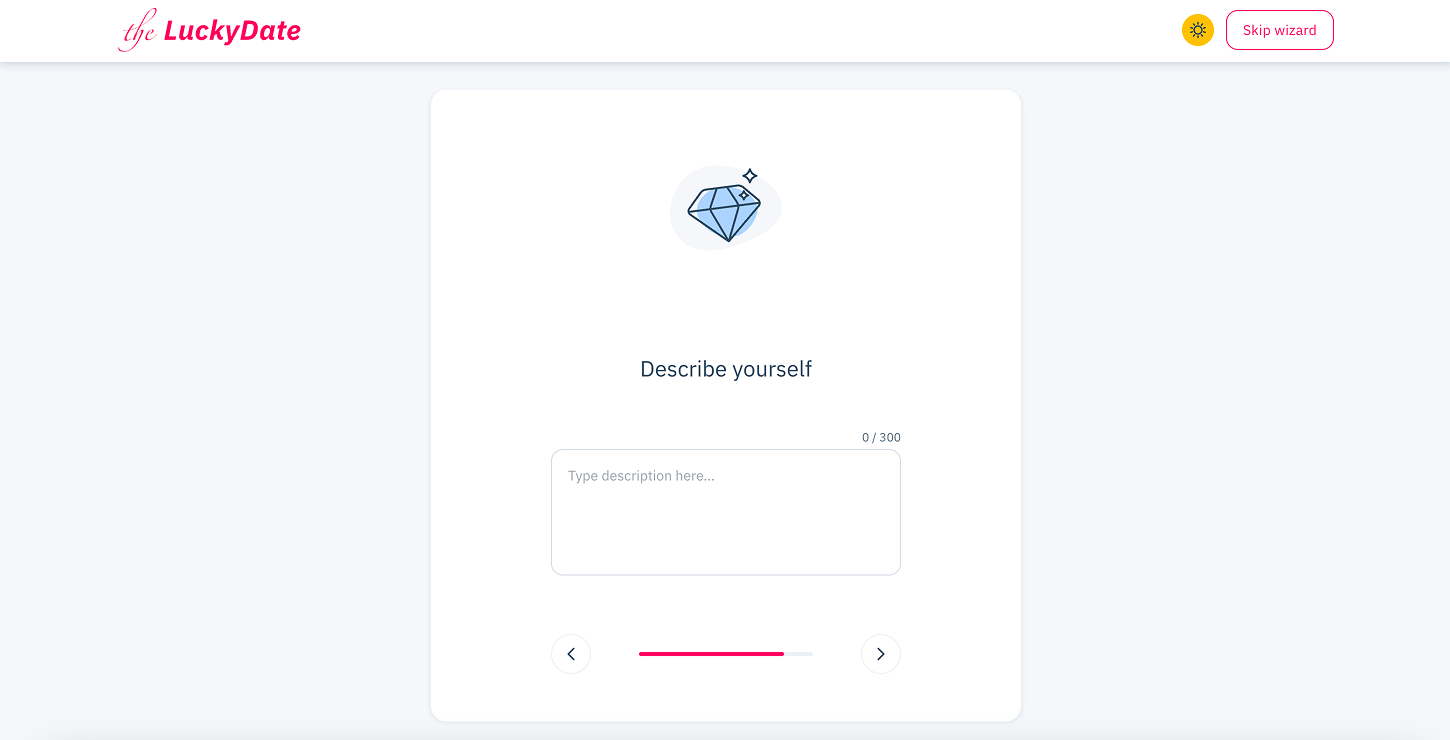
Describe yourself. Add a little description of who you are and what you would like to find here.
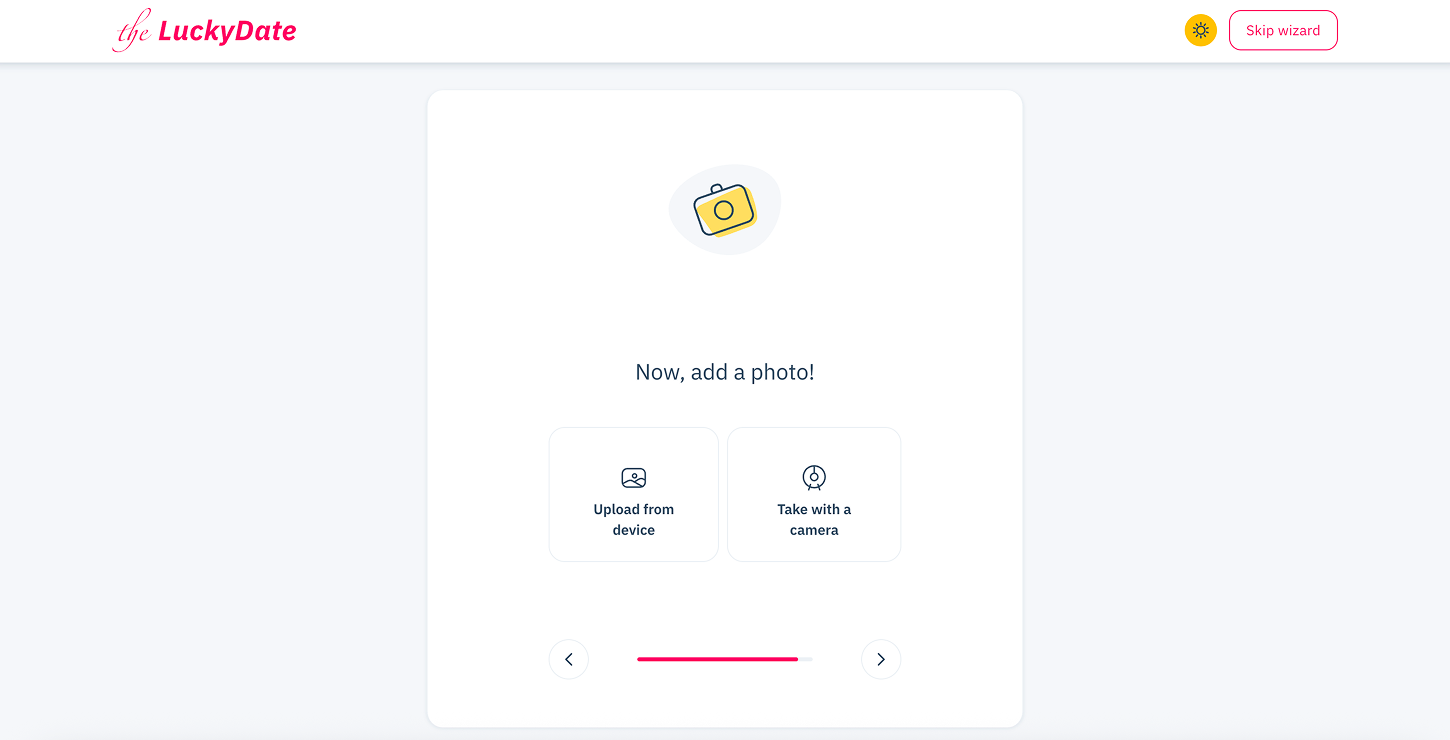
Upload your picture.
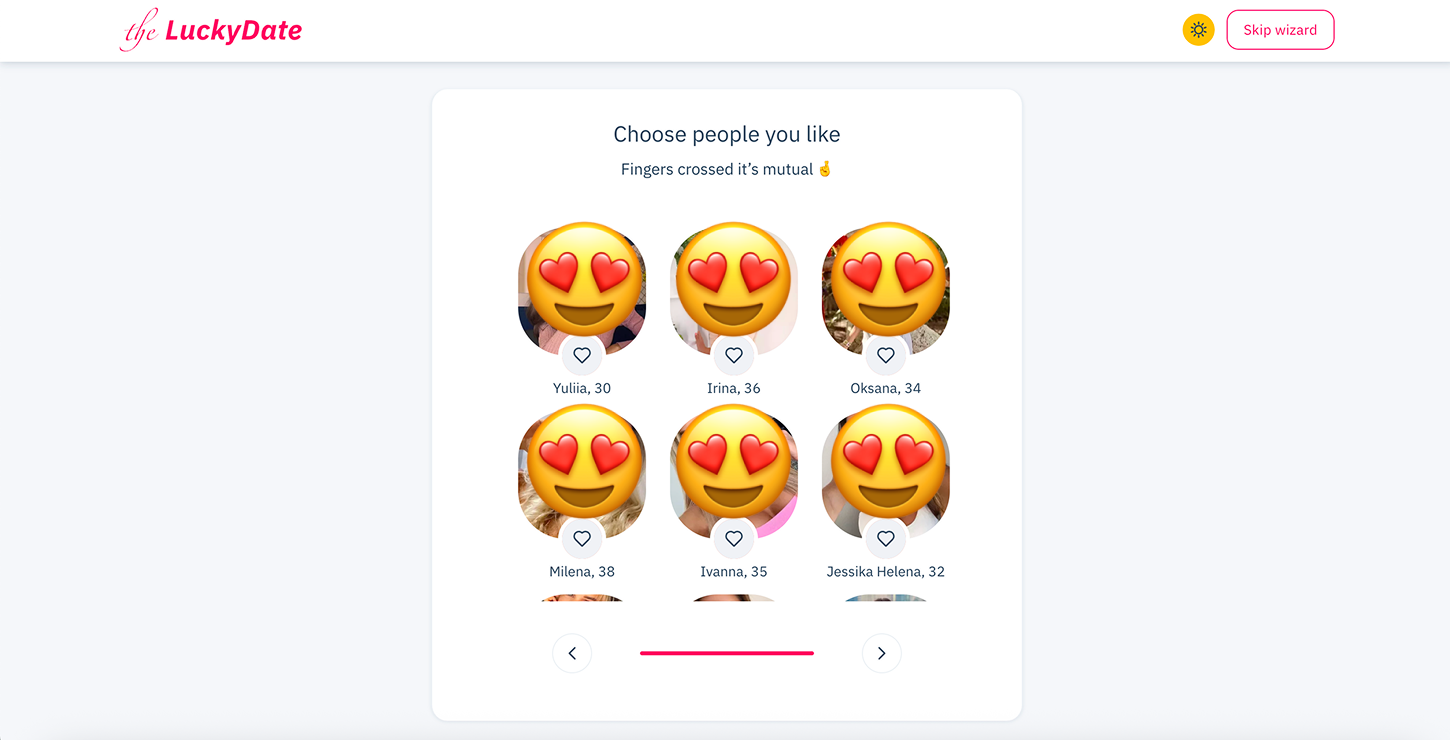
After completing the questionnaire, you’ll see a selection of user profiles that may align with your stated preferences. These suggestions highlight people who are currently online and open to connecting and starting conversations.
Sign Up Requirements
TheLuckyDate sign-up requirements are not entirely different from what is obtainable in other dating websites. The following is the basic information you need to sign up:
- Name
- Date of birth
- Email address
- Country
- Read and accept the terms and conditions
During registration, you can answer a few optional questions to share your preferences and interests. This information helps shape your profile and makes it easier to explore connections that align with what you’re looking for.
Email Verification Process
You should provide a valid email address to complete the TheLuckyDate registration process. After your registration, TheLuckyDate team will send you an email to verify your email address. To complete the process, click the confirmation link and fill in your login details.
How to Complete Your Profile Properly
Completing your TheLuckyDate profile completely helps you get engagement. In other words, more users will want to have a conversation with you. It allows other users to learn a little about your preferences. Below are the steps to complete your TheLuckyDate profile:
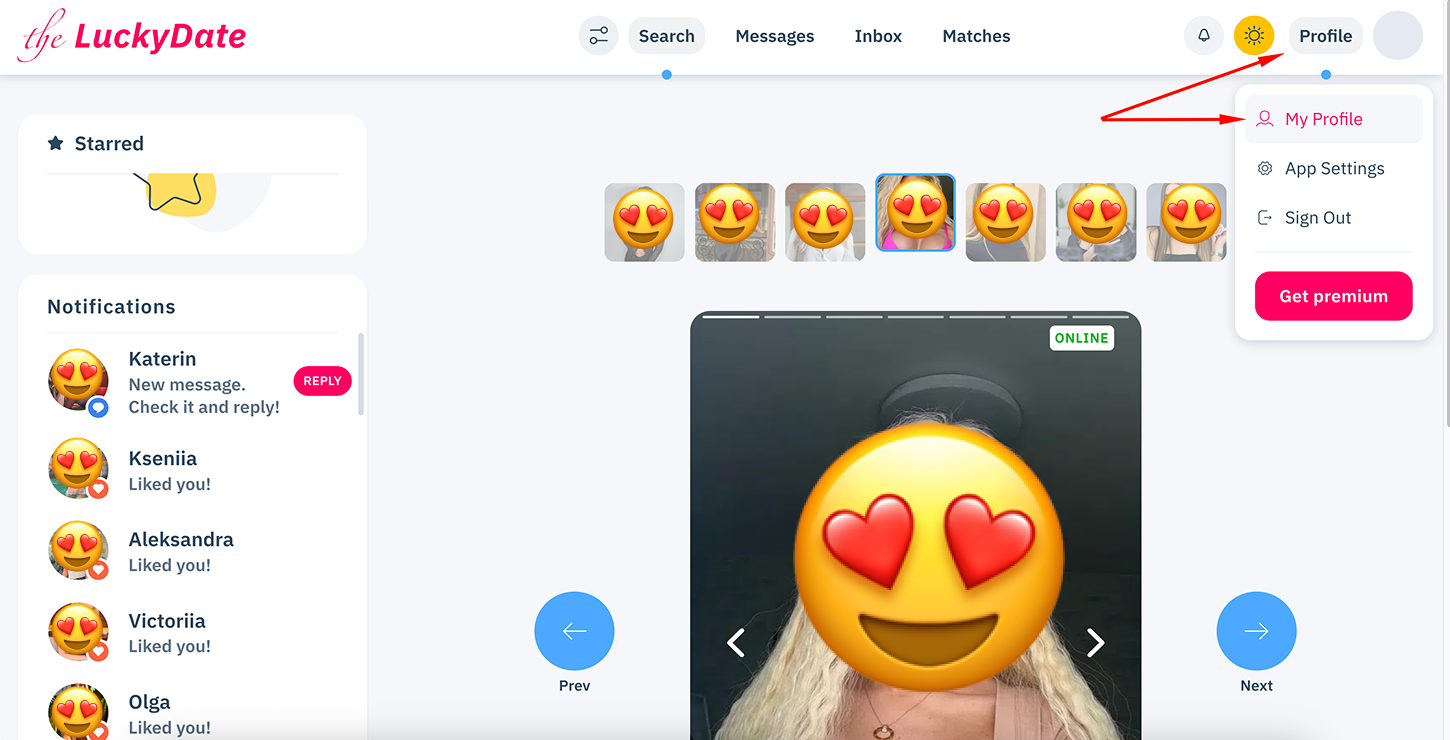
Go to the profile tab, located at the top right of their site. Click it.
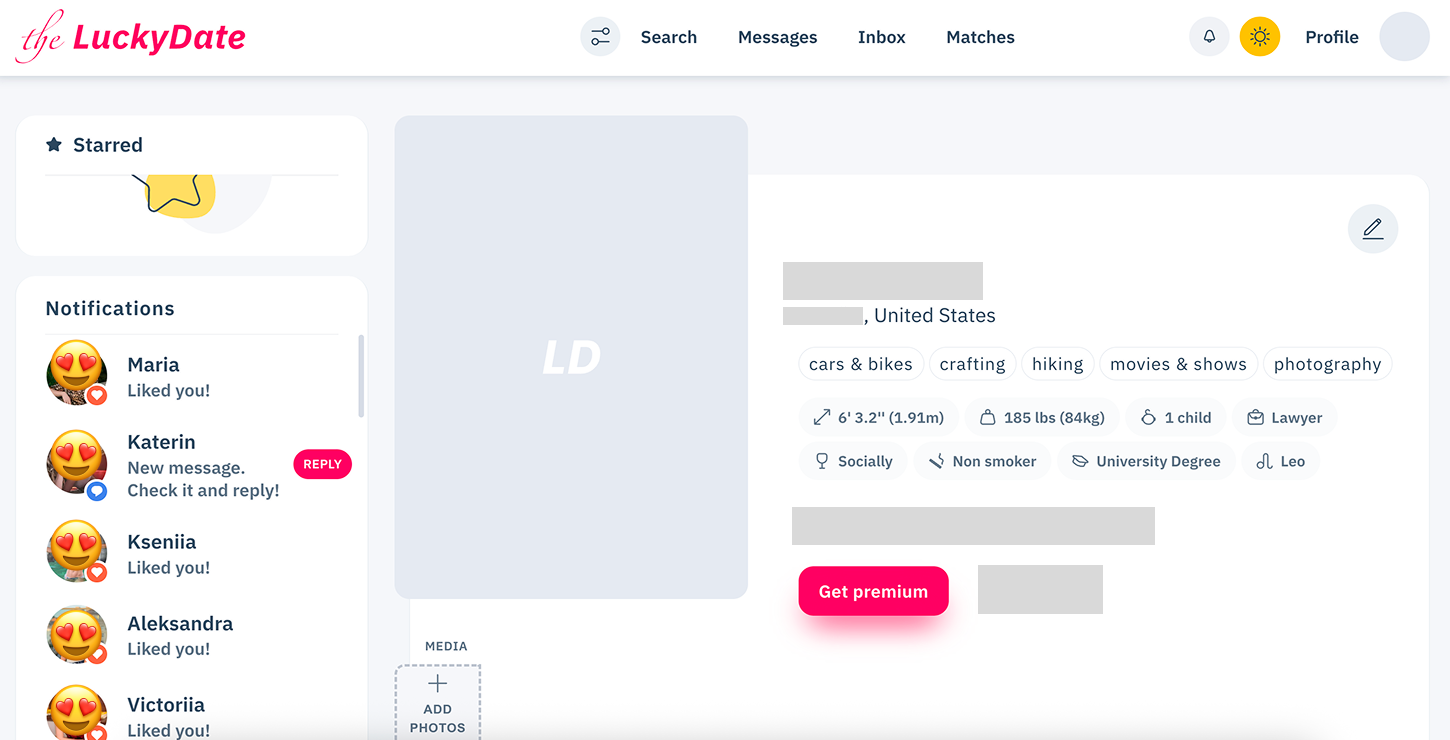
Tap the “My Profile” button. Click on the pen tab on the top right of the page.
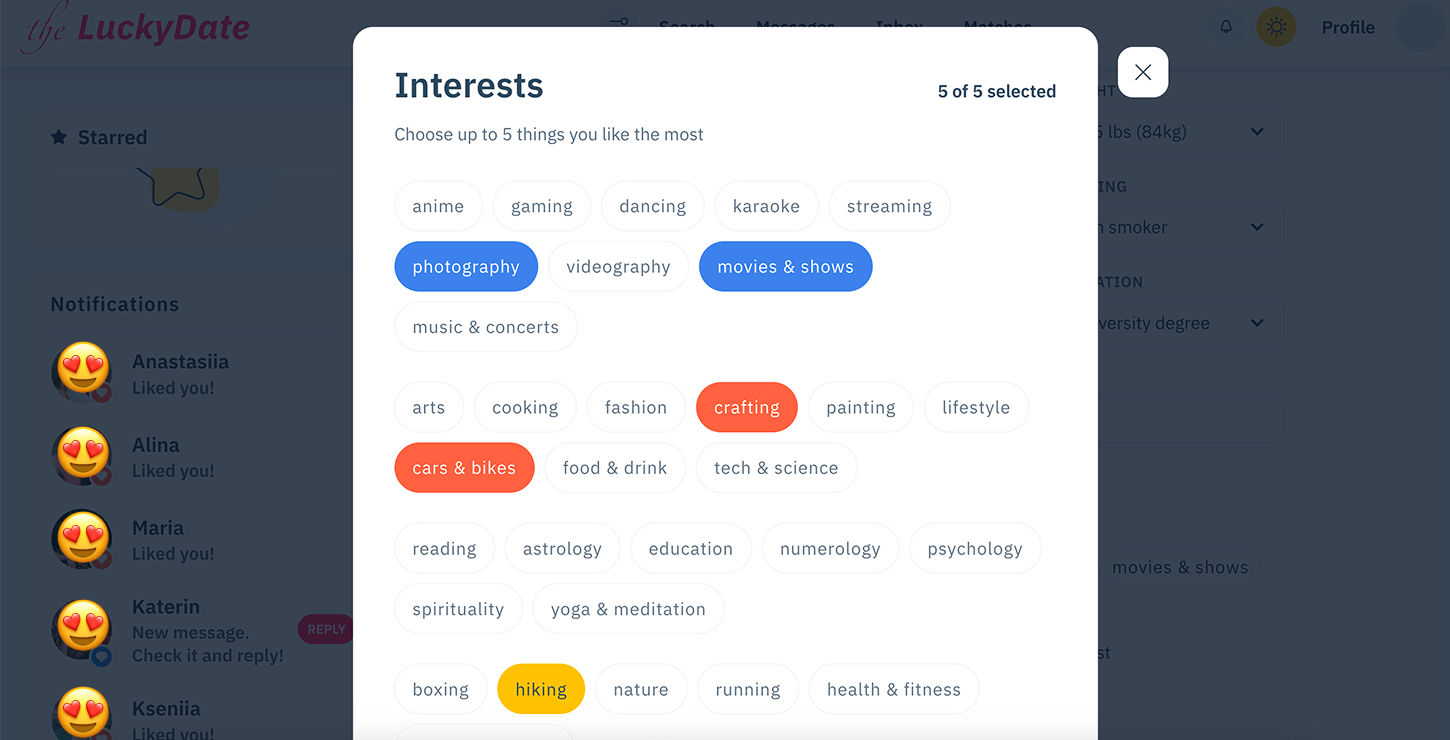
Fill in the profile data or update anything if necessary, and scroll down.
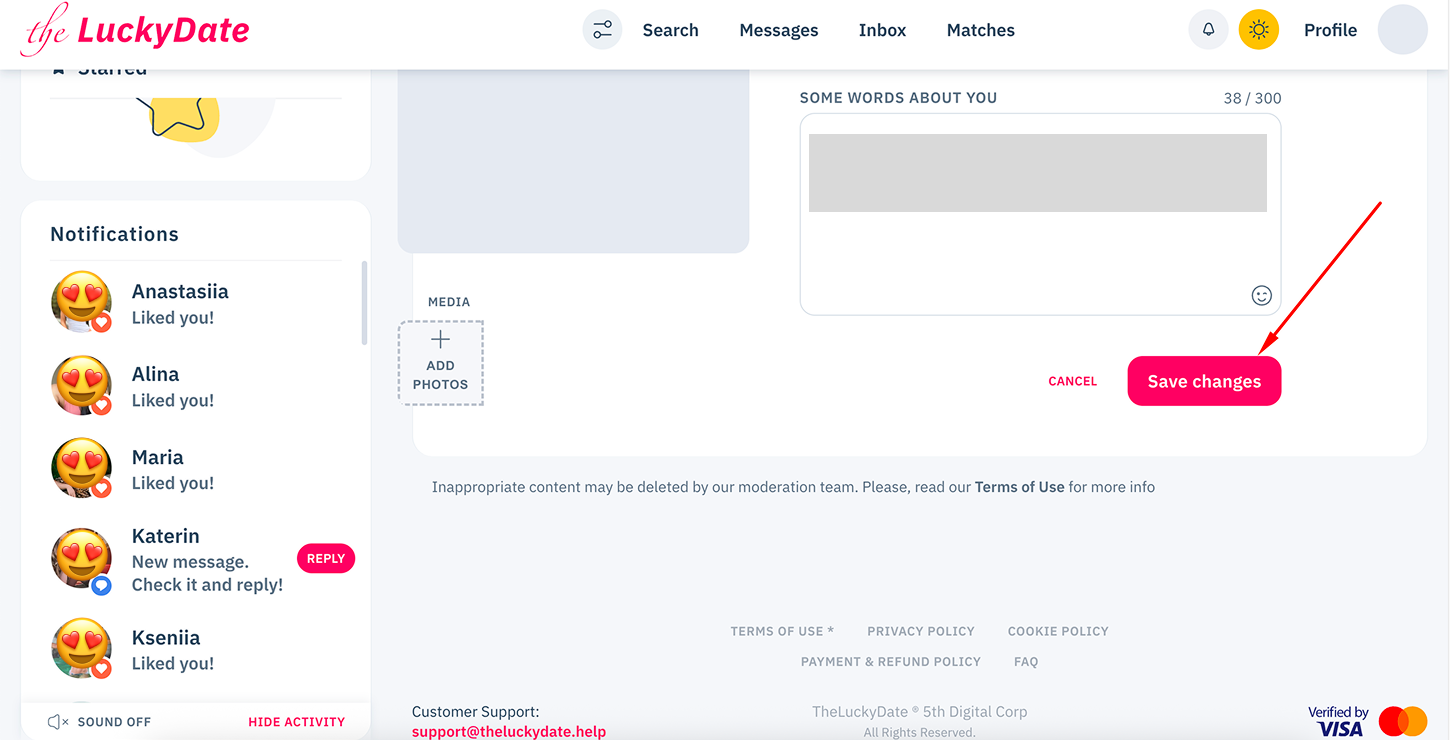
Tap “Save Changes” to complete the process.
New TheLuckyDate Account: How to Use It Effectively
TheLuckyDate works on a freemium model, allowing users to explore the platform for free while offering premium features for those who want fuller access. After registering, users can browse the community, view profiles, and apply search filters without charge, which helps them get familiar with how the platform operates. Communication tools are part of the premium experience and are designed for users who want to actively interact with others.
To use the account more effectively, it’s recommended to complete the profile and add photos to the personal gallery, as detailed profiles tend to attract more attention. Staying active also matters: users are encouraged to start conversations, respond to messages, and engage with others who show interest. Trying premium features can unlock additional communication options and help users connect with people from different backgrounds. In some cases, the platform may offer complimentary access or special deals after registration, making it easier to explore premium tools before committing.
TheLuckyDate Login Guide: Steps to Follow
After you have verified your email, you can log in to your account. TheLuckyDate sign-in process is easy. Follow these steps below to log in and start chatting:
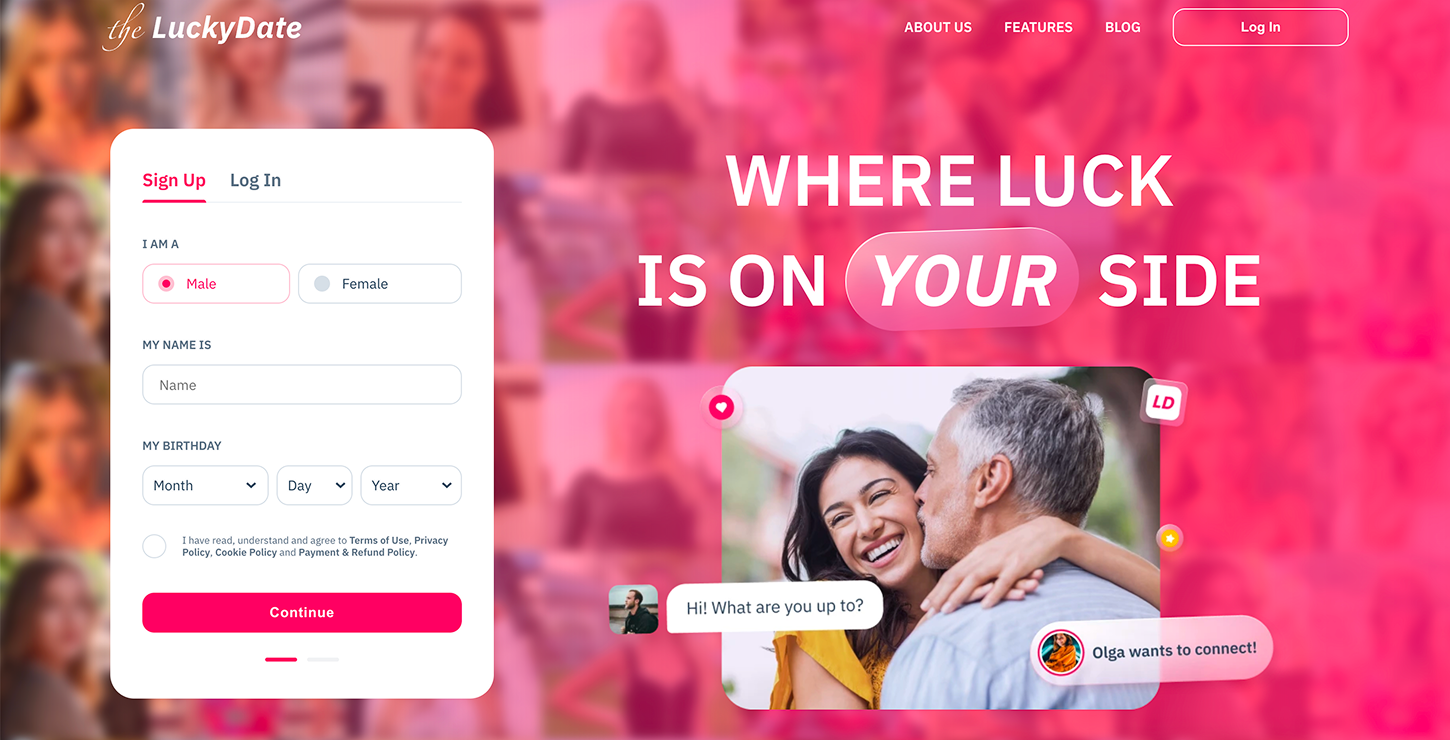
Launch their website.
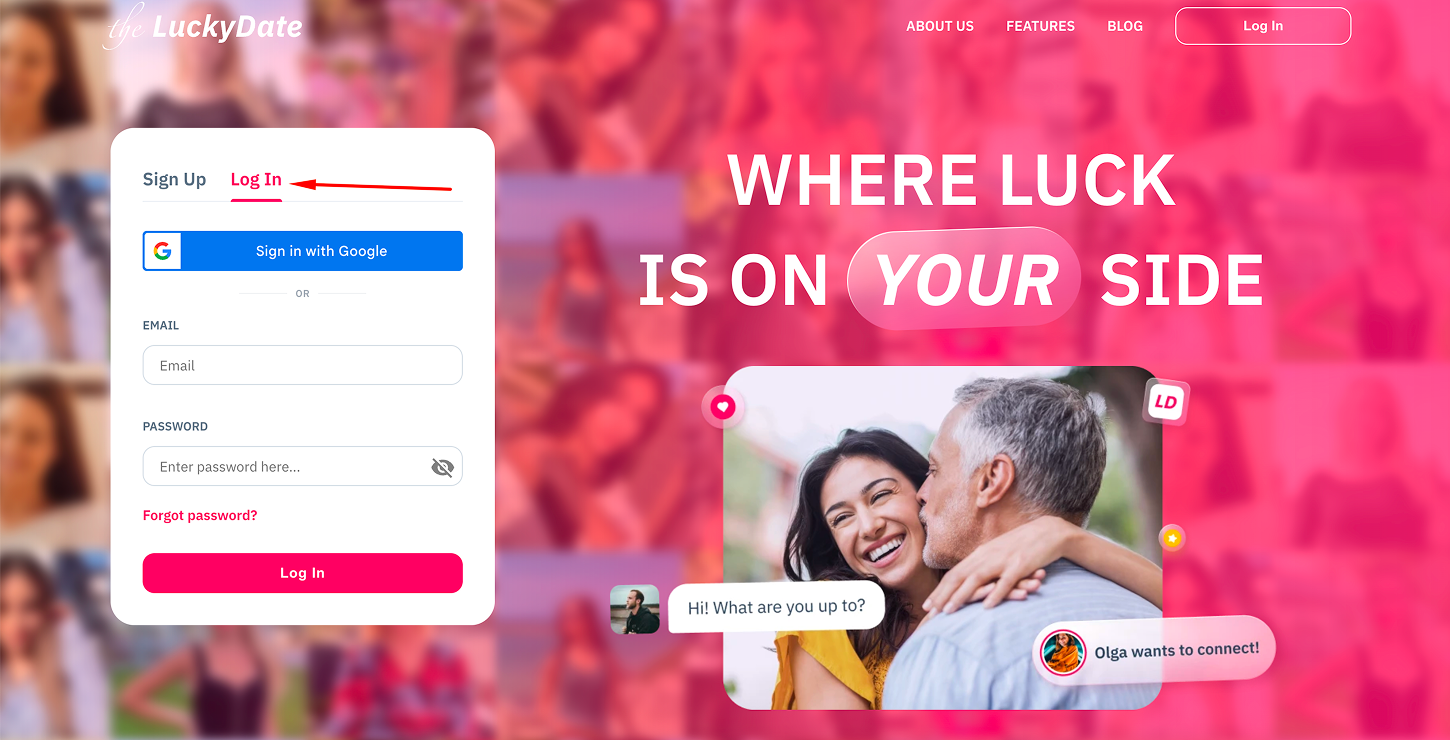
Tap the “Log In” tab.
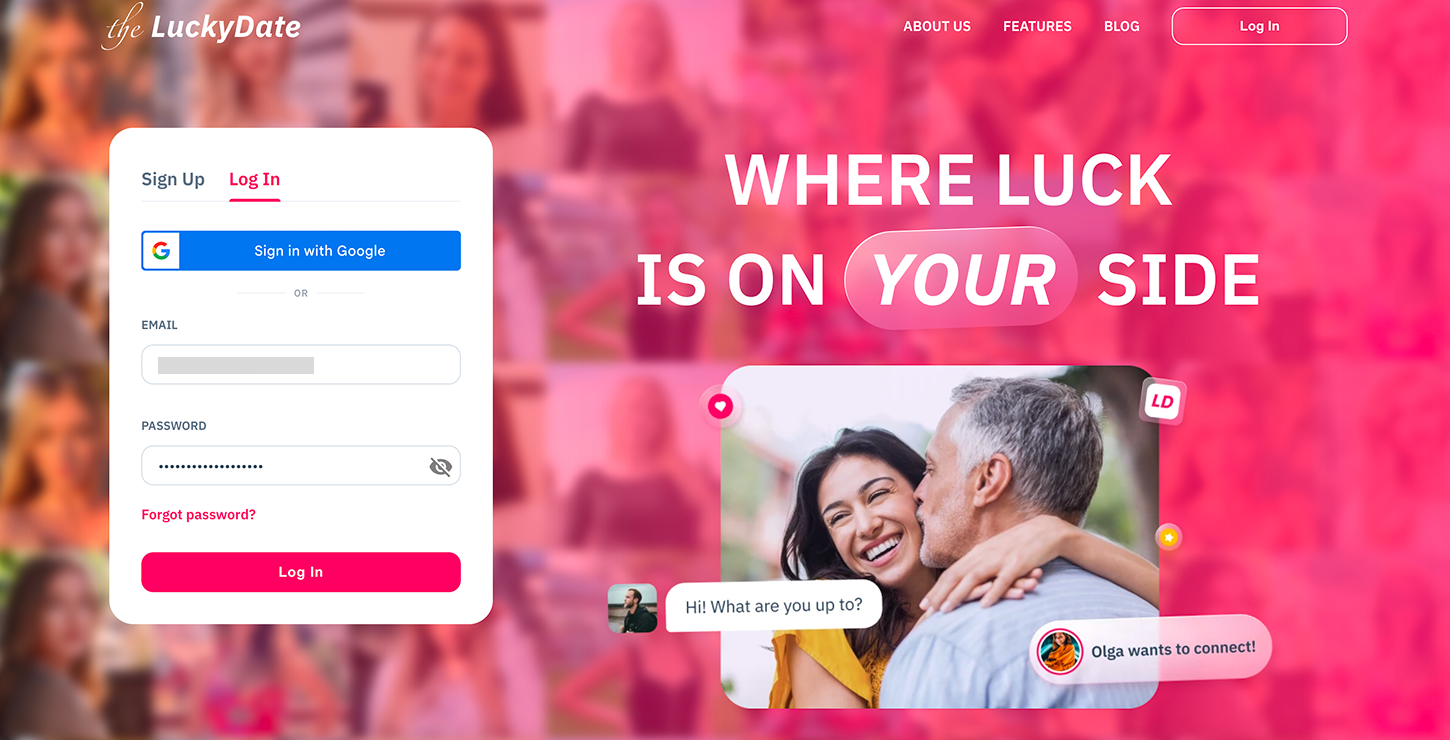
Insert your email address and password. You could also sign in via your Google account.
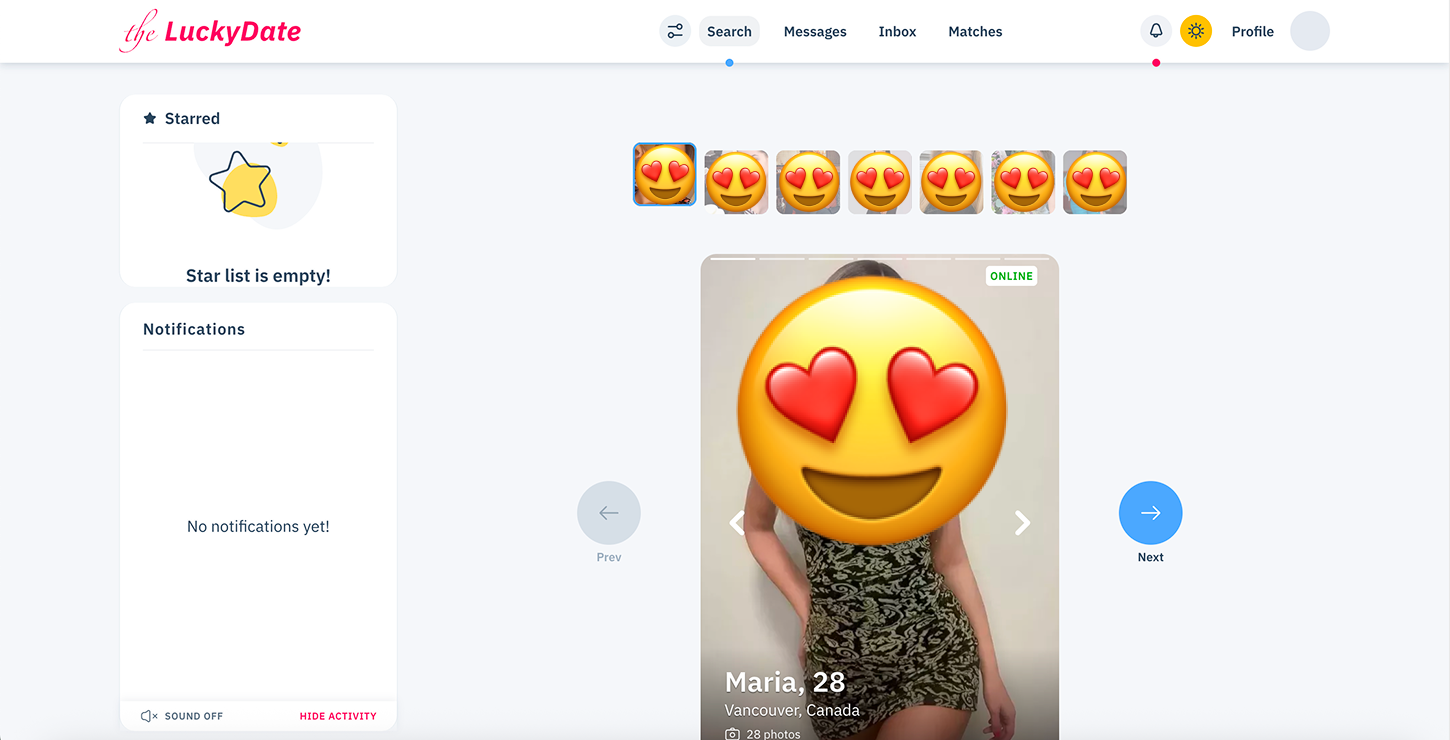
The first menu you see after logging in is the Search page, where you can select a person for your first connection.
Logging in with a New Device
When accessing your TheLuckyDate account from a new device, it’s important to take basic safety precautions to protect your account. Avoid saving your login details on devices that you do not own or trust, and always make sure to log out after your session. These simple steps can help reduce the risk of unauthorized access and keep your account more secure.
The Difference in Using The Lucky Date via Desktop or Mobile
TheLuckyDate doesn’t have a mobile application. However, you can access their platform with a web browser on your mobile or desktop device. The argument that you will enjoy a better experience using a desktop or mobile device is neither here nor there. Let’s take you through the advantages of using TheLuckyDate on both device types.
Desktop
- The screen is bigger, so you have a better view of the website
- With a wide screen, chatting with more than 2 people is comfortable
- Navigating through the platform is easier with a desktop
Mobile
- You can log in to your TheLuckyDate account on the go and start a conversation
- The mobile interface is simple and not overloaded
- Responding to messages is faster with the mobile version
The primary thing is that both the desktop and mobile platforms provide the same experience. However, the only difference is that you can chat on TheLuckyDate platform from anywhere with your smartphone or tablet.
Troubleshooting the Login Issues
One of the challenges that new members of TheLuckyDate community may face is login issues. Don’t feel disappointed because login issues don’t always mean that your account has been suspended. Below are the most common TheLuckyDate login issues and how to solve them:
Forgot Your Password? Steps to Recover the Access
It is not a problem to forget your password. Below is a step-by-step guide to help you recover it:
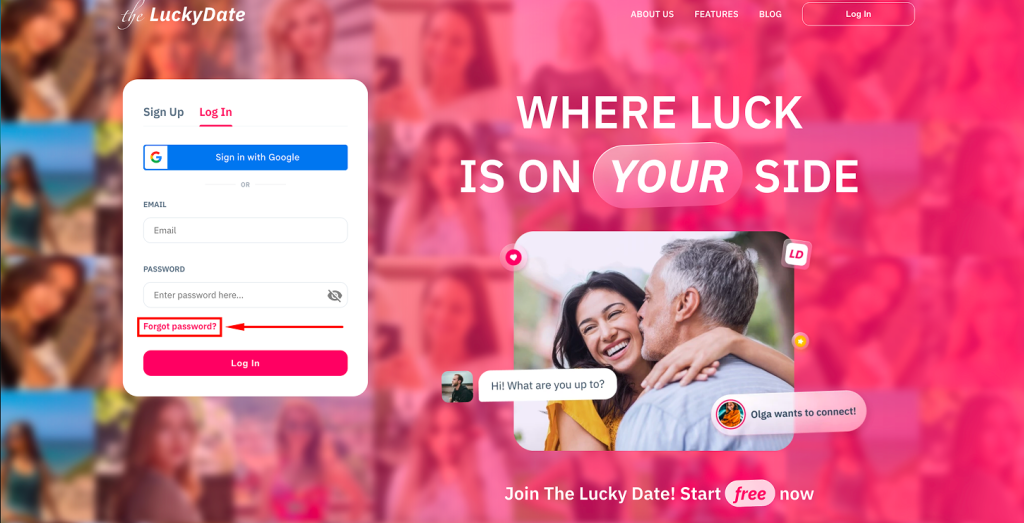
- Launch TheLuckyDate website
- Go to “Log In” tab
- Go to the “Forgot password?” area and tap it
- You will be asked to enter a 6-digit code sent to your email
- Insert the code, enter the old password, and enter the new one.
Other Possible Login Problems and Solutions and How to Fix Them
Forgetting the password and email address used to create TheLuckyDate is the most common login issue. However, you may encounter some login issues while using this dating platform.
- Connection: If you can’t log in, it may be due to an issue with your network connection. You should try switching to another network and then attempt again.
- Use of Caps Locks or some capital letters: If the caps lock is on, your password will not be correct. Check if the caps lock is on and switch it off.
- Account restriction: If your account is restricted, you will not be able to access your dashboard. TheLuckyDate team could restrict your account. However, if The Lucky Date restricts your account, they will send an email explaining why.
How to Contact Support to Get Assistance with Accessing the Platform
If you have any challenges with your TheLuckyDate account, you can contact their customer support. TheLuckyDate customer service can be contacted via email at [email protected]. Their customer support team is responsive. Meanwhile, they have a live chat feature where you can send queries and get instant responses. If the question is preliminary, you should check their frequently asked questions section.
Take the first step toward meaningful interaction
The Lucky Date Account Security Tips
No doubt, TheLuckyDate makes use of several measures to keep every member’s data safe. However, security is everyone’s business, even when you are using an online dating website. Below are the security tips to keep your The Lucky Date safe and secure:
- Create a strong password for your TheLuckyDate account
- Don’t share your The Lucky Date login details
- Contact customer support if you have any challenges
- If you suspect any profile, stop chatting with them
- Don’t share confidential information in your profile and with other members
- Keep your conversation with your partner casual until you gain their trust
- Use the platform’s reporting tools to report suspicious activity and unwanted content.
In addition to the safety tips listed above, TheLuckyDate applies technical measures to help protect user data and platform activity. These include SSL encryption and firewall protections designed to reduce the risk of unauthorized access. Such practices support the view that TheLuckyDate legit security efforts are in place to help maintain a safer online environment for users.
How to Delete TheLuckyDate Account
If you no longer want to use your TheLuckyDate account, you can delete or deactivate it. Typically, people opt to deactivate their account rather than delete it. Below is the guide to delete your account:
- Go to profile settings and choose to deactivate the account. Deactivation means that your account will be inactive and your profile will not be accessible to other members. It is different from deleting your account, as you can restore it.
- To delete your TheLuckyDate account, please contact customer support. Deleting your account means that all your information on their platform will be removed, and you can’t use that account again.
Is TheLuckyDate Dating Platform a Good Option to Explore?
If you’re interested in connecting with others through online communication and exploring meaningful conversations, TheLuckyDate may be an option worth considering. The registration process is simple and free, and allows users to share their preferences and interests without unnecessary steps. Many TheLuckyDate reviews describe the platform as a space for starting fresh, engaging in online conversations, and exploring inspiring connections at a comfortable pace.
FAQ
Can I Use the TheLuckyDate Platform without Signing Up?
No, you can’t use The Lucky Date platform if you don’t sign up. The registration process on this online dating website is simple and free.
How to Register on The Lucky Date Website?
To join The Lucky Date website, fill out the form on their homepage. You will be required to provide your name, email address, country, date of birth, preferences, etc. A confirmation email will be sent to the email address.
Is The Lucky Date Login Free?
Yes, TheLuckyDate.com login is free. However, you need to make payments to enjoy their premium features.
What to Do If I Can’t Log In?
If you’re having trouble accessing your TheLuckyDate account, first double-check that your login details are entered correctly. You should also make sure your internet connection and browser are working properly. If the issue continues, reaching out to TheLuckyDate customer support may help resolve the problem.